
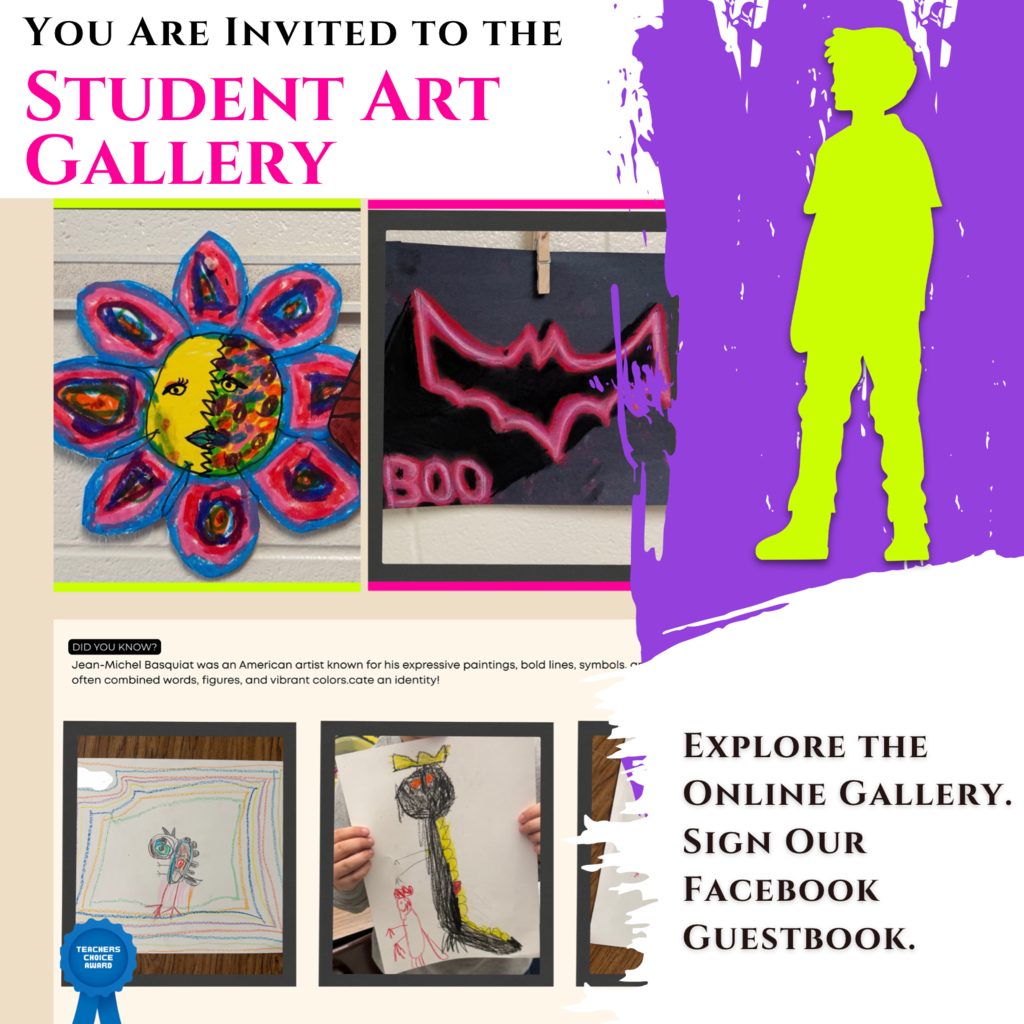
Our elementary artists have a gallery. Let’s give them an audience. 🎨
You’re invited to explore PRISM, a digital art gallery featuring the creativity and hard work of students at Sissonville Elementary, Mary C. Snow West Side Elementary, and Piedmont Elementary.
Their art teacher, Ms. Alyson, created PRISM to give students a place to celebrate their artistic achievements, and families and the community a chance to enjoy what they’re creating.
Take a little art break with us. Visit the gallery through the link in the comments, look around, and then come back and sign our Facebook “guestbook” with a note of encouragement for the young artists.
New artwork is being added regularly, so there’s a reason to return.
Three schools full of creativity. A whole community invited to enjoy it. 💙
You’re invited to explore PRISM, a digital art gallery featuring the creativity and hard work of students at Sissonville Elementary, Mary C. Snow West Side Elementary, and Piedmont Elementary.
Their art teacher, Ms. Alyson, created PRISM to give students a place to celebrate their artistic achievements, and families and the community a chance to enjoy what they’re creating.
Take a little art break with us. Visit the gallery through the link in the comments, look around, and then come back and sign our Facebook “guestbook” with a note of encouragement for the young artists.
New artwork is being added regularly, so there’s a reason to return.
Three schools full of creativity. A whole community invited to enjoy it. 💙
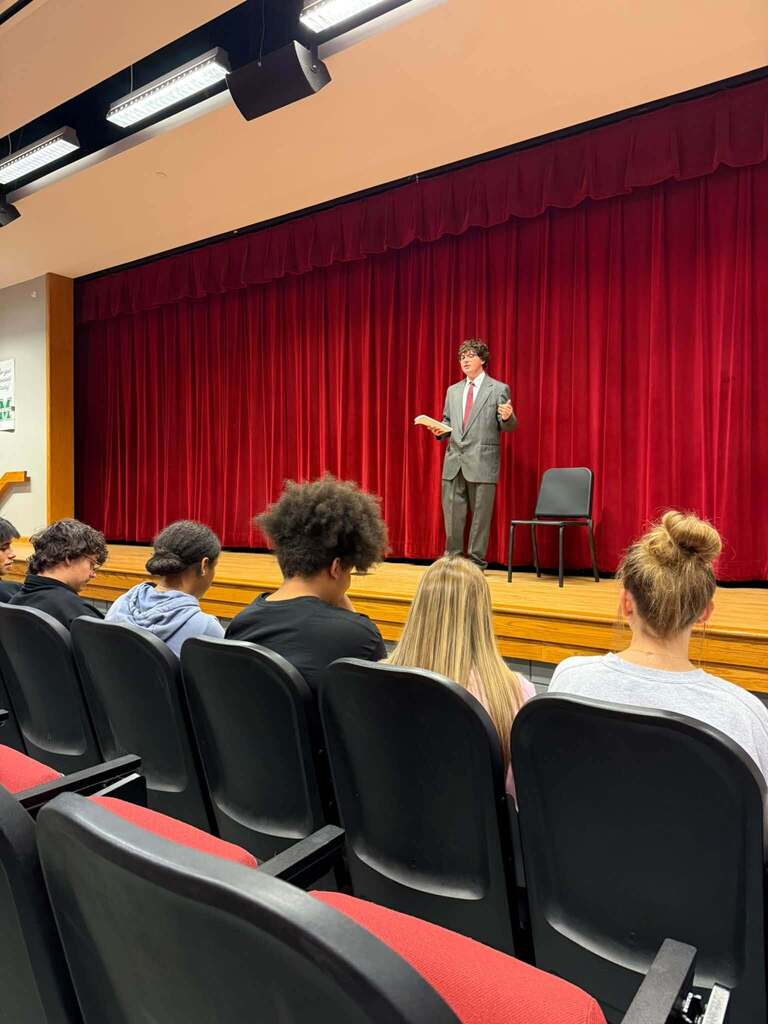
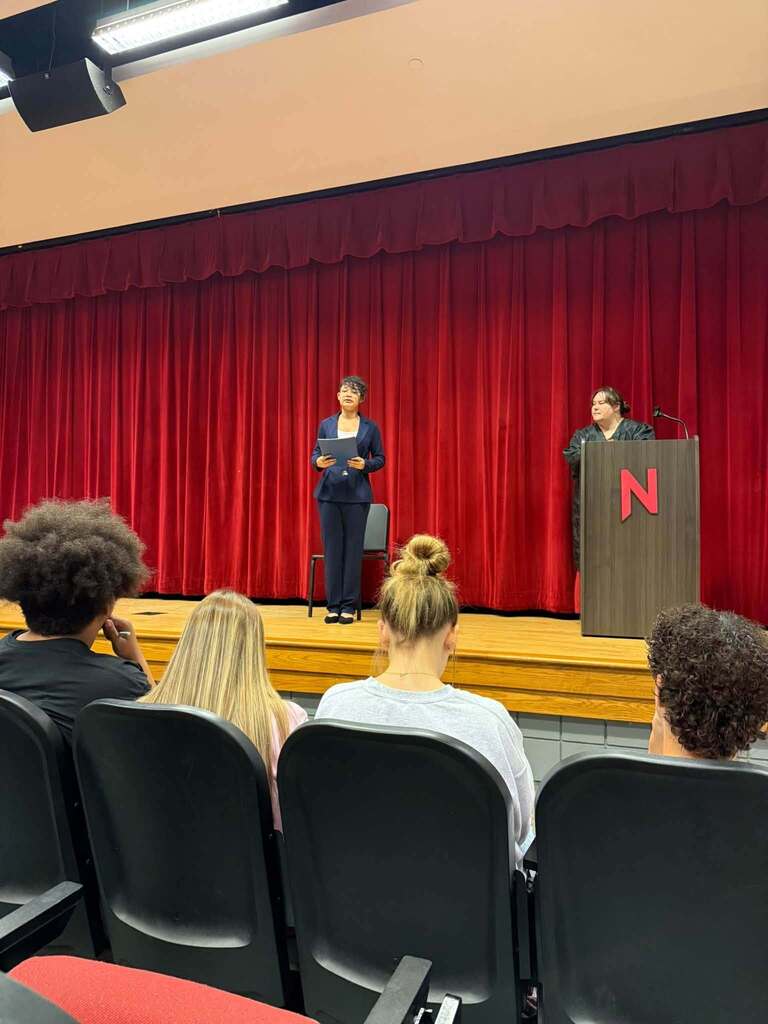
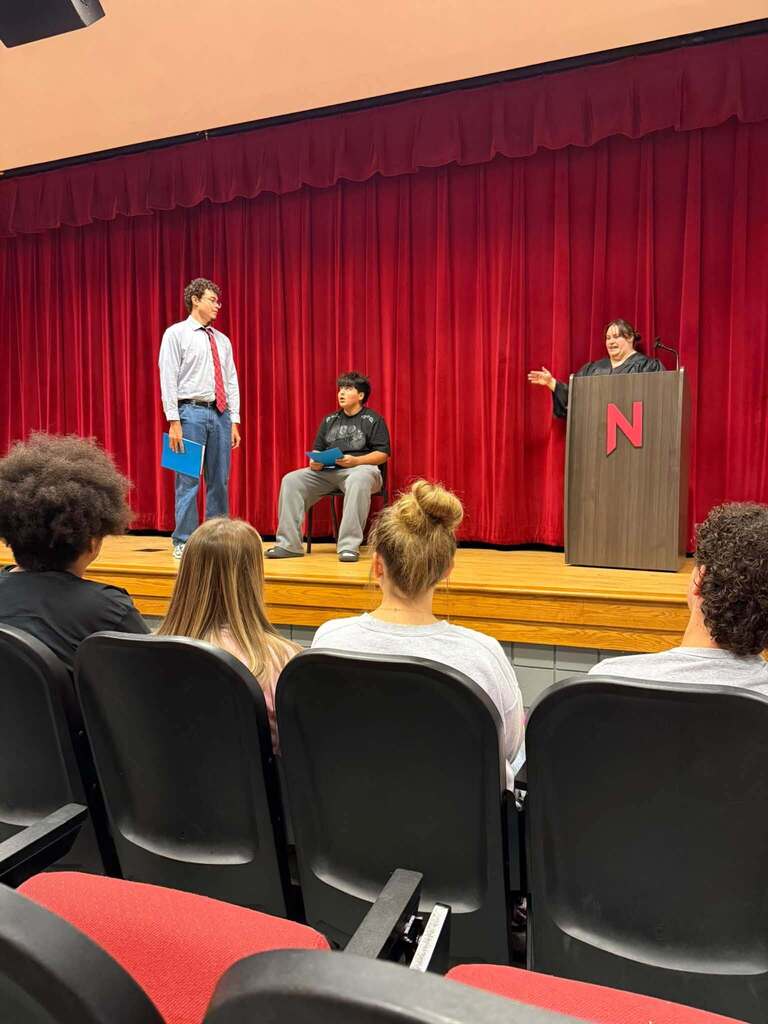
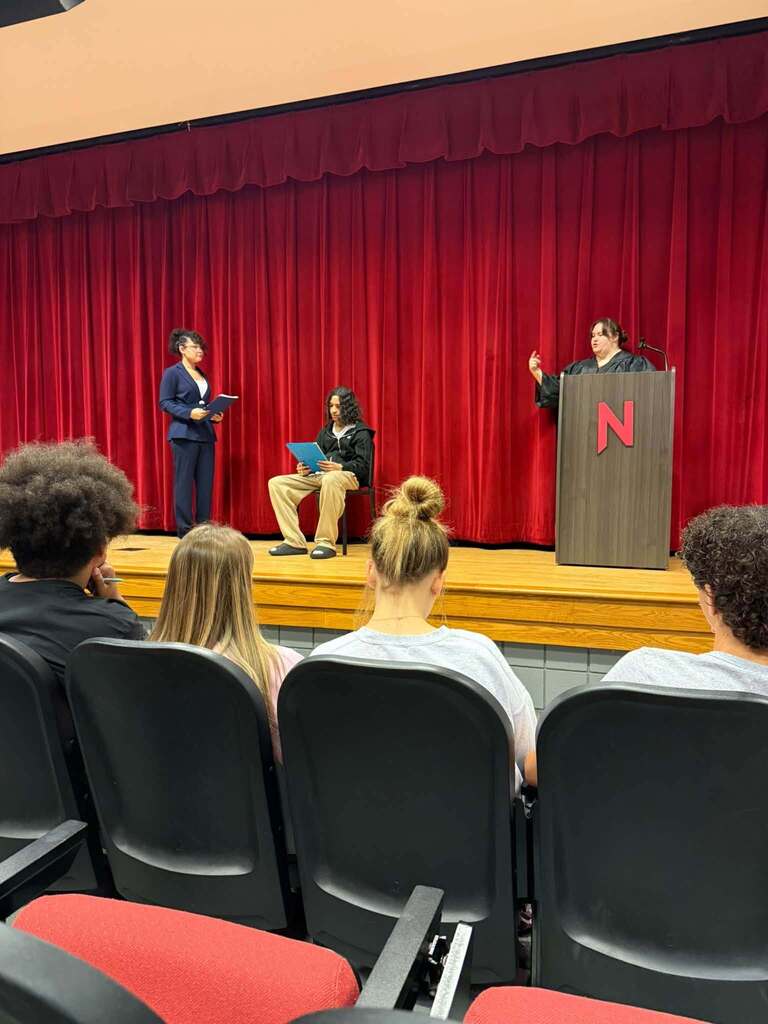
In the Nitro High School learning system, the auditorium becomes a courtroom, and students have a case to make. These are their stories.
DUN DUN. ⚖️
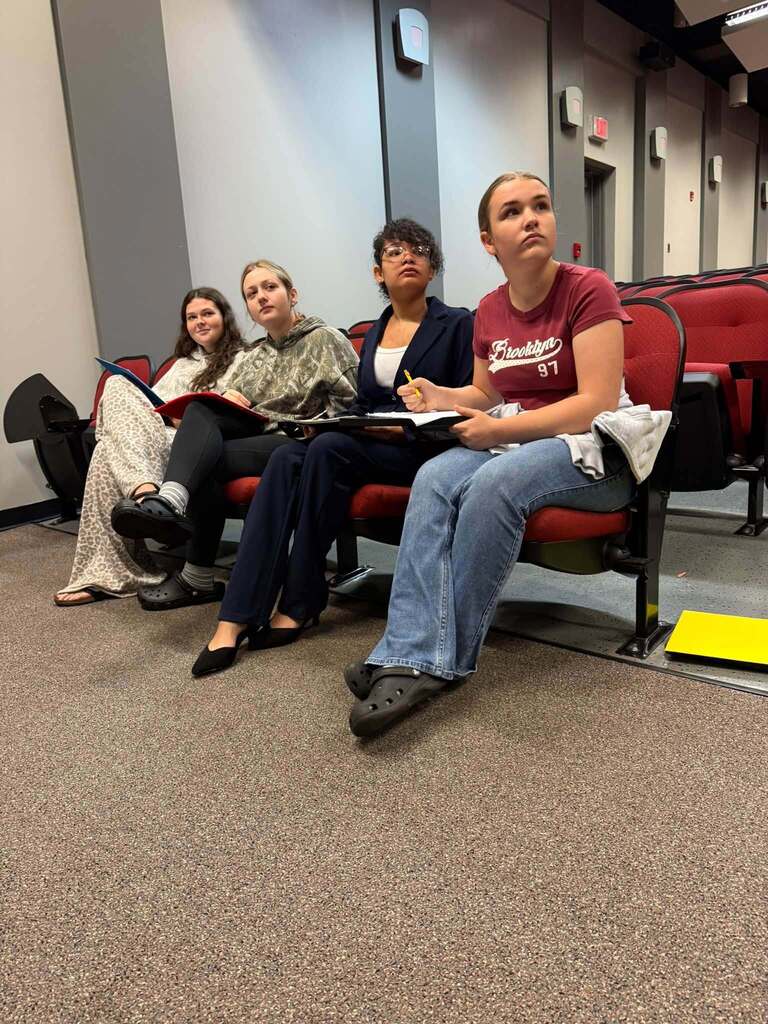
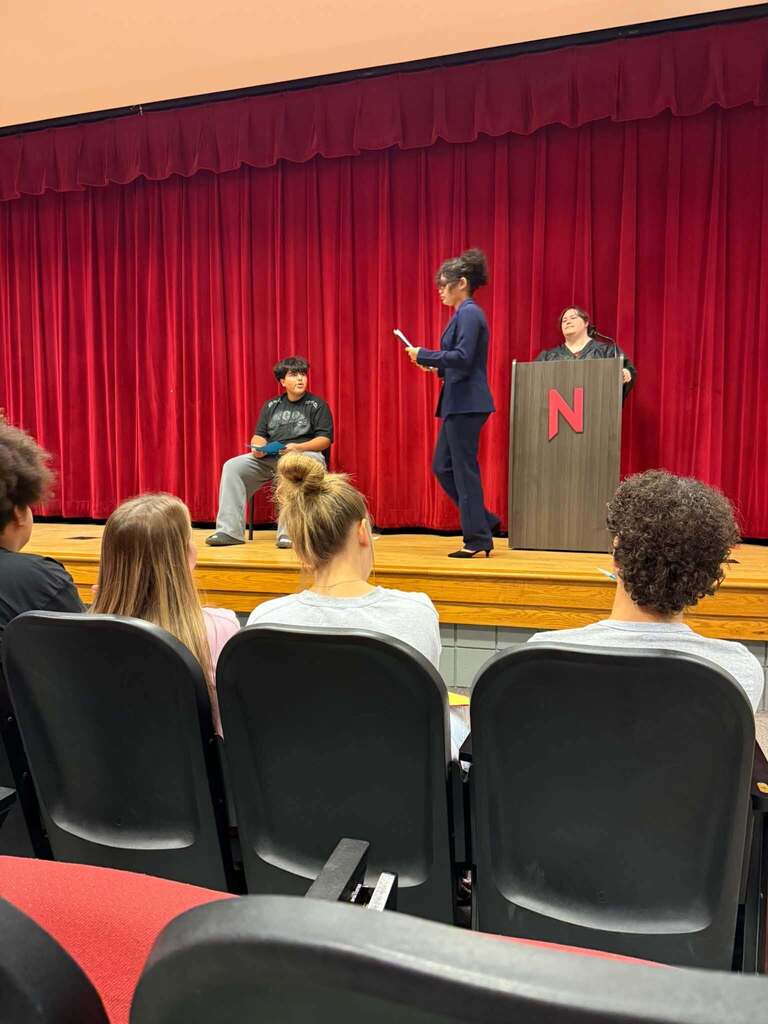
Ms. Sidebottom brought a little Law & Order to the auditorium, transforming it into a courtroom where students role-played a court case, presented arguments, and supported their claims with evidence.
Clear reasoning. Evidence to back it up. And plenty of laughter entered into the record.
The verdict? A creative lesson worth making a case for. 💙
DUN DUN. ⚖️
Ms. Sidebottom brought a little Law & Order to the auditorium, transforming it into a courtroom where students role-played a court case, presented arguments, and supported their claims with evidence.
Clear reasoning. Evidence to back it up. And plenty of laughter entered into the record.
The verdict? A creative lesson worth making a case for. 💙
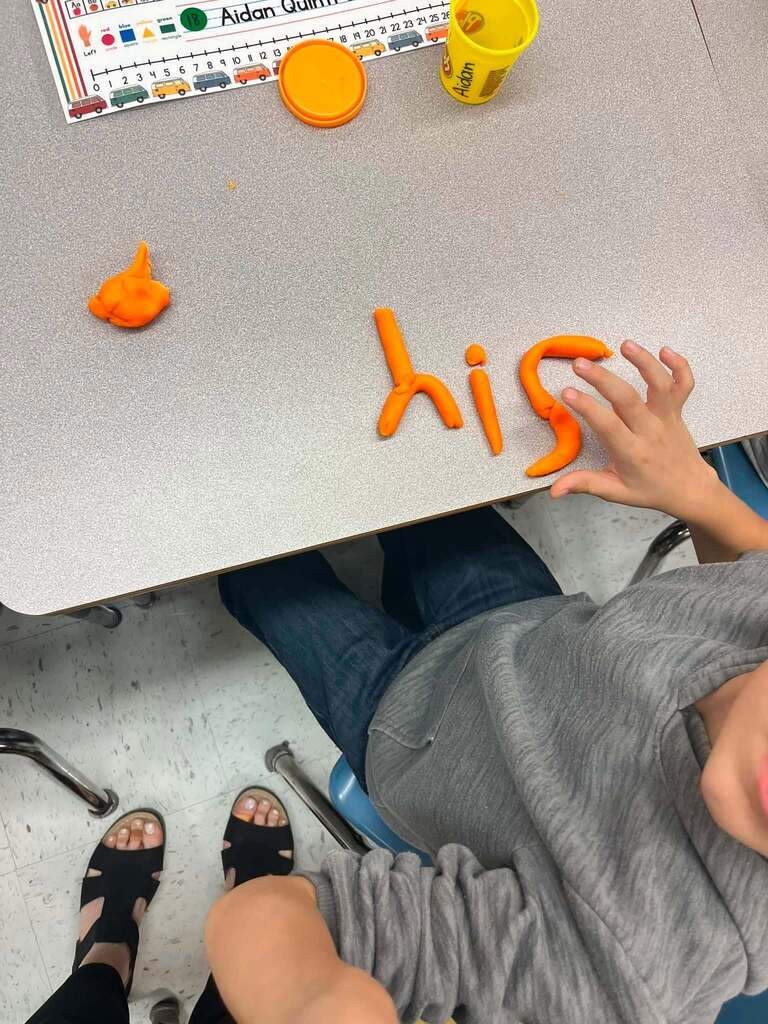
The doctors are in at Malden Elementary School! 🩺
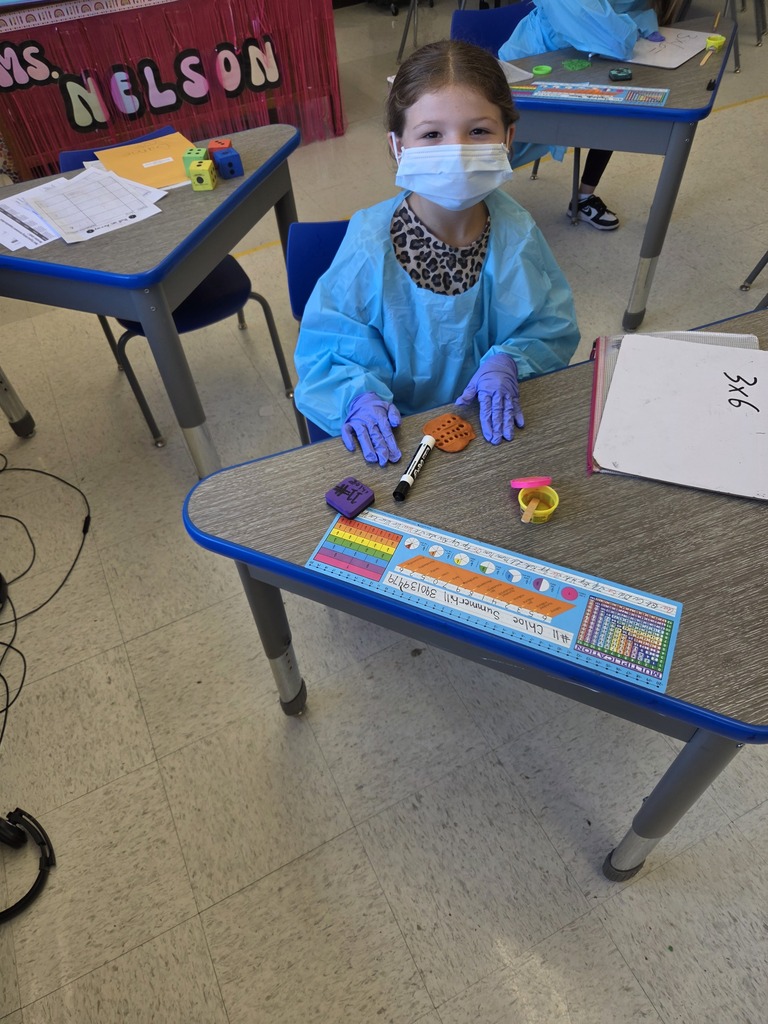
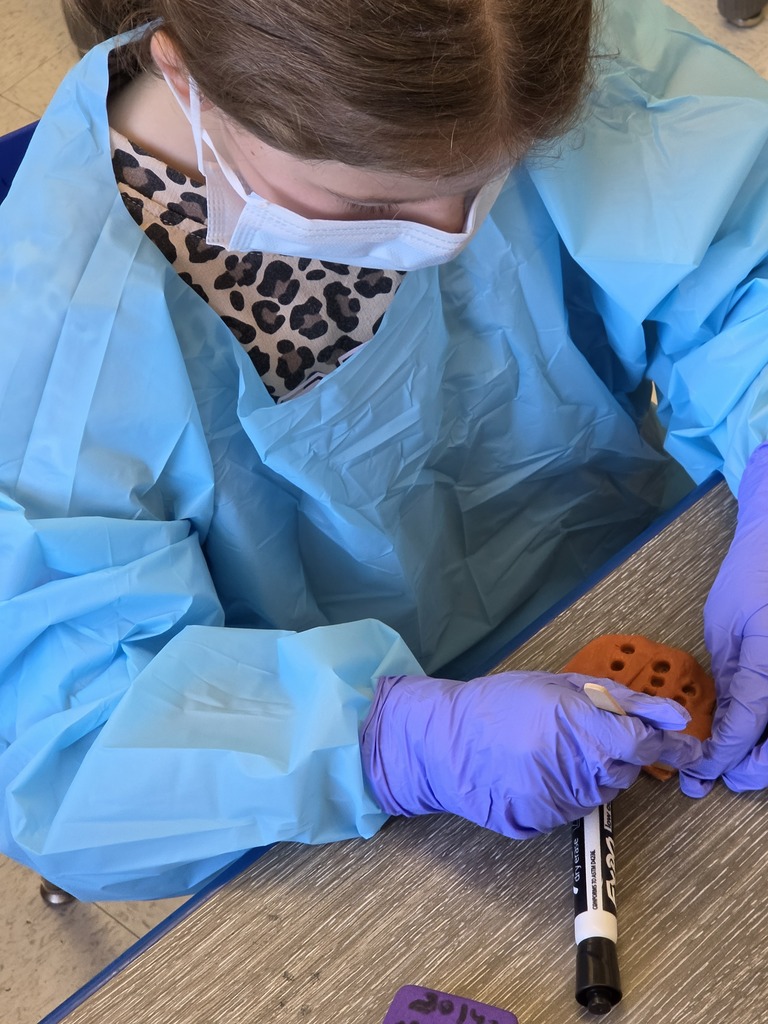
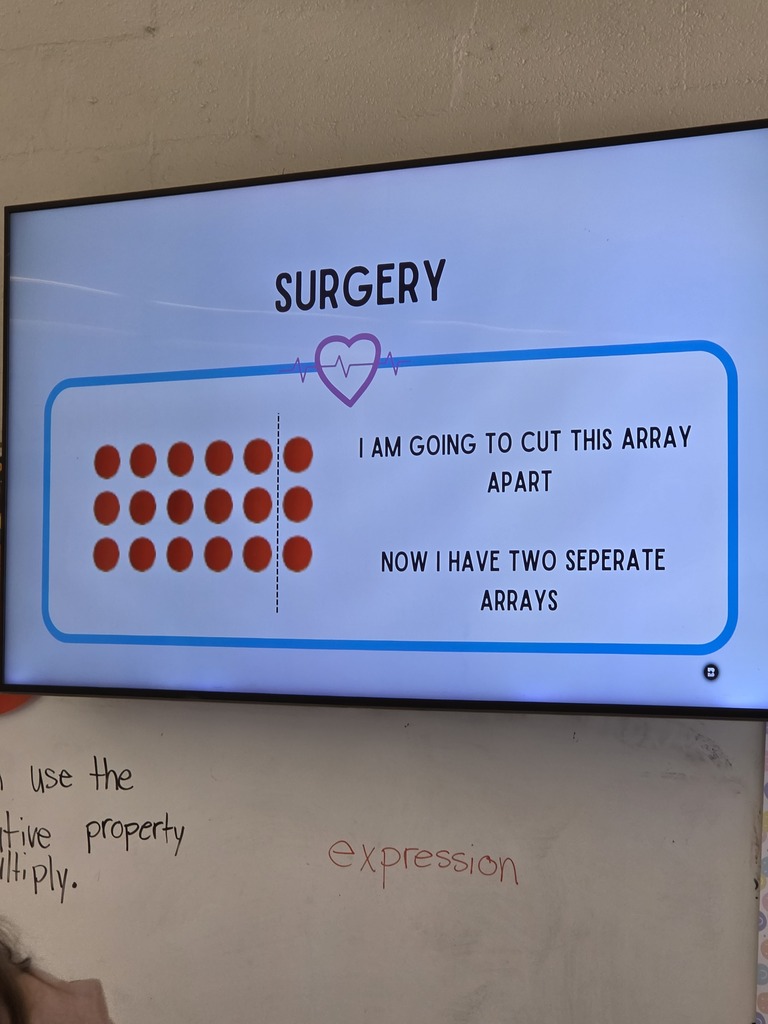
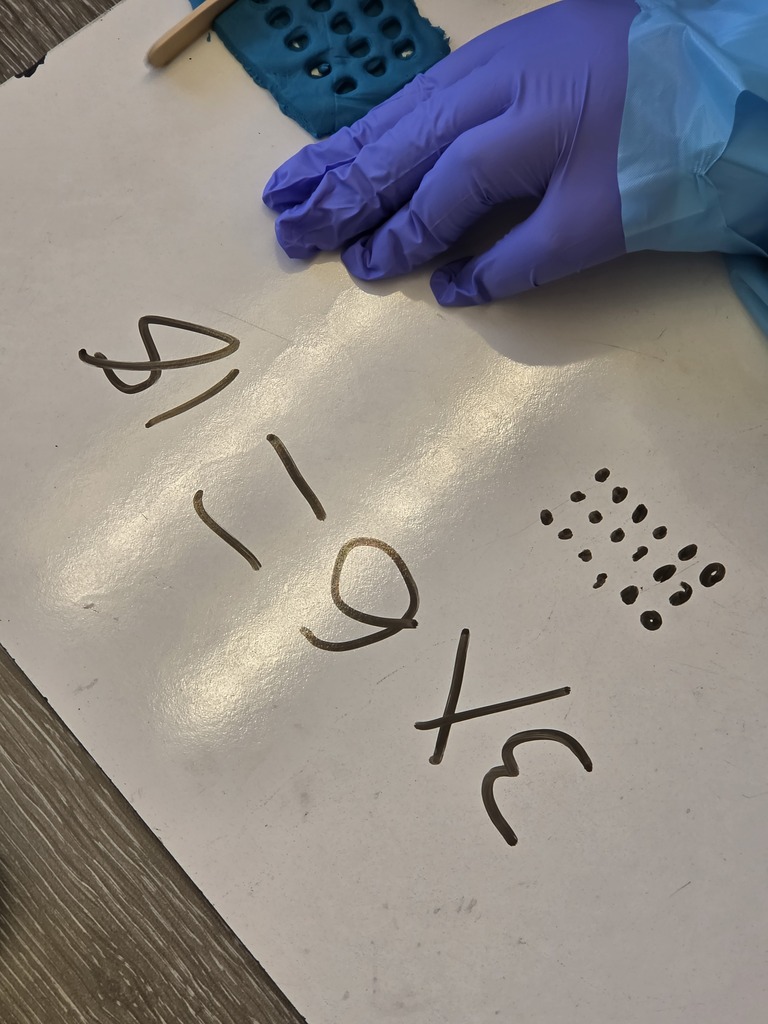
Miss Nelson’s third graders put on gowns, masks, and gloves to become “distributive property doctors.” Using play dough, they performed a little math “surgery,” splitting arrays of rows and columns into smaller arrays.
It’s a hands-on way to explore the distributive property: breaking a multiplication problem into smaller parts, then adding the results together.
Making sense of multiplication, one “operation” at a time. Nice work, math doctors! 💙
Miss Nelson’s third graders put on gowns, masks, and gloves to become “distributive property doctors.” Using play dough, they performed a little math “surgery,” splitting arrays of rows and columns into smaller arrays.
It’s a hands-on way to explore the distributive property: breaking a multiplication problem into smaller parts, then adding the results together.
Making sense of multiplication, one “operation” at a time. Nice work, math doctors! 💙
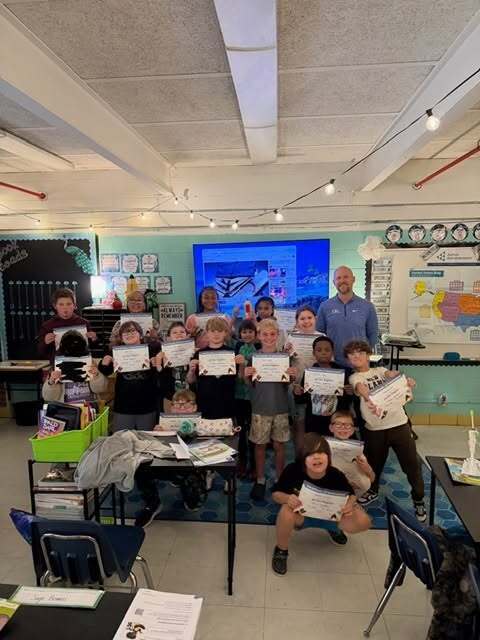
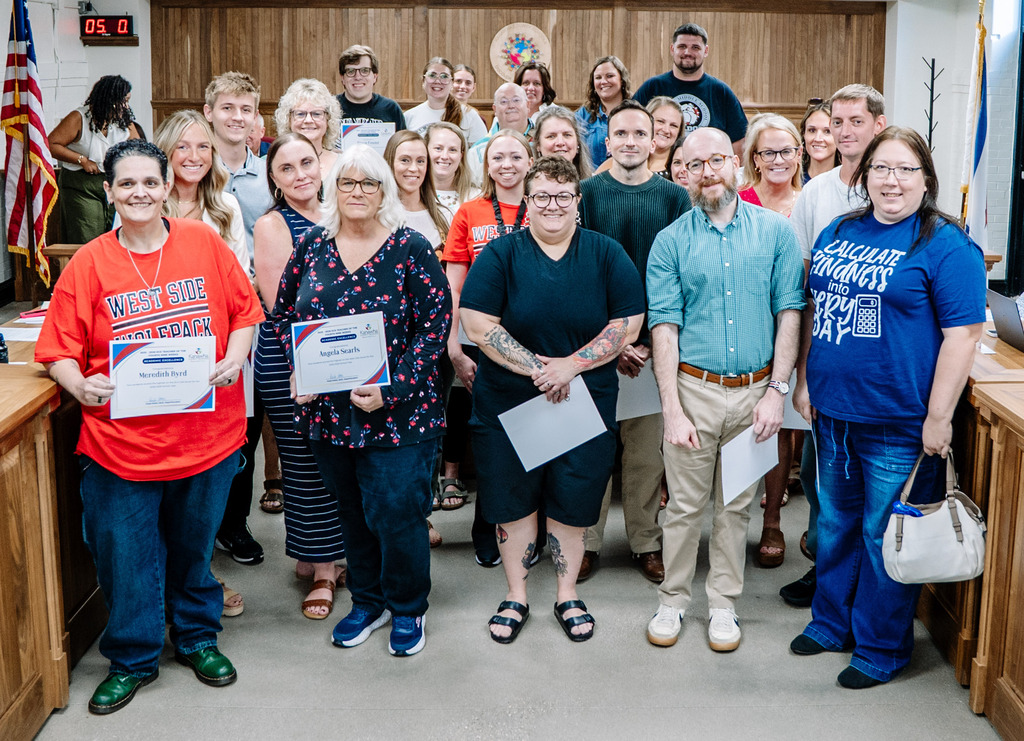
A proud moment for these teachers...and their students. 💙
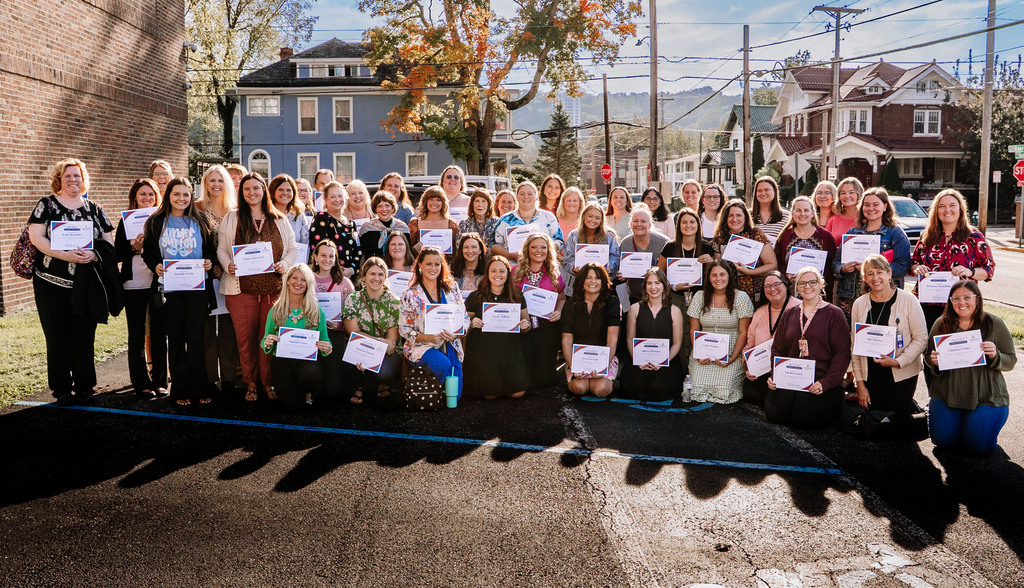
Last night, Dr. Potter and the Kanawha County Schools Board of Education recognized K-2 teachers with their building’s highest number of students scoring proficient on iReady or DIBELS at the end of the 2025-2026 school year.
✌️ Some earned that recognition for both assessments!
These teachers brought learning to life through creative, interactive lessons. Their students put in the work and showed what they knew. Both deserve a round of applause. 👏
Each teacher received a certificate and a keychain made by Riverside High School students, a little extra student creativity to help celebrate!
🤔 Money. Careers. Community.
Big topics for Ruffner’s Roadrunners! 💙
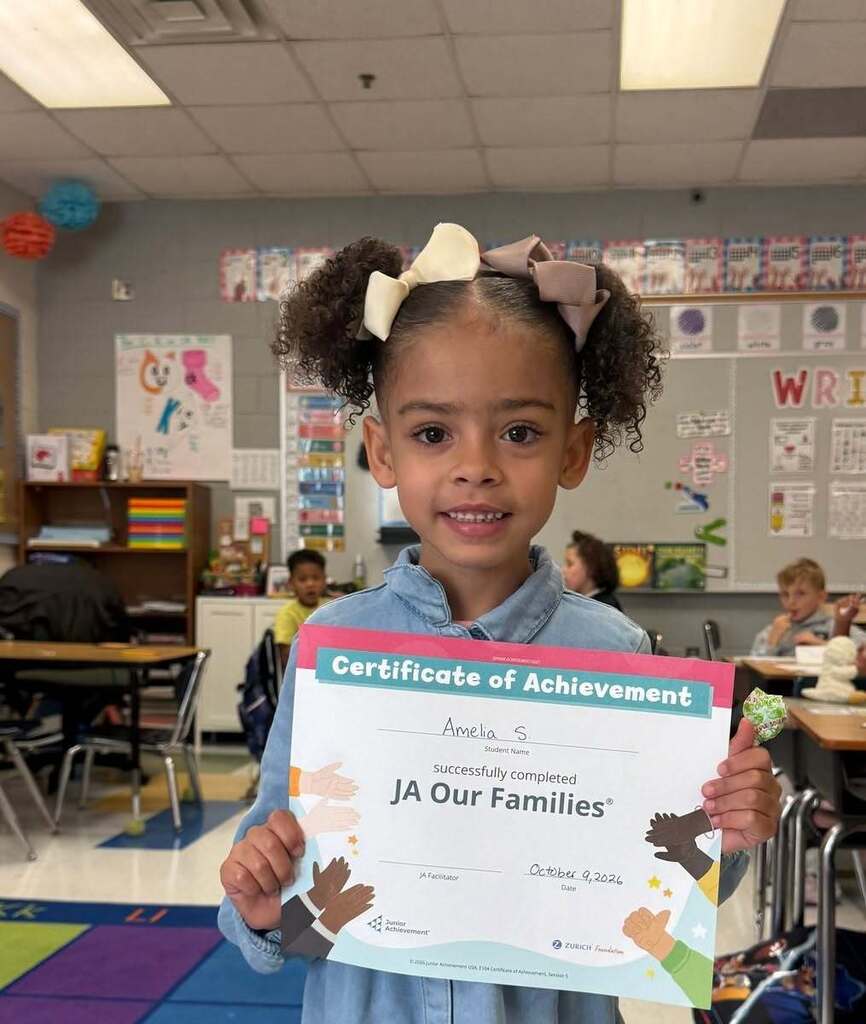
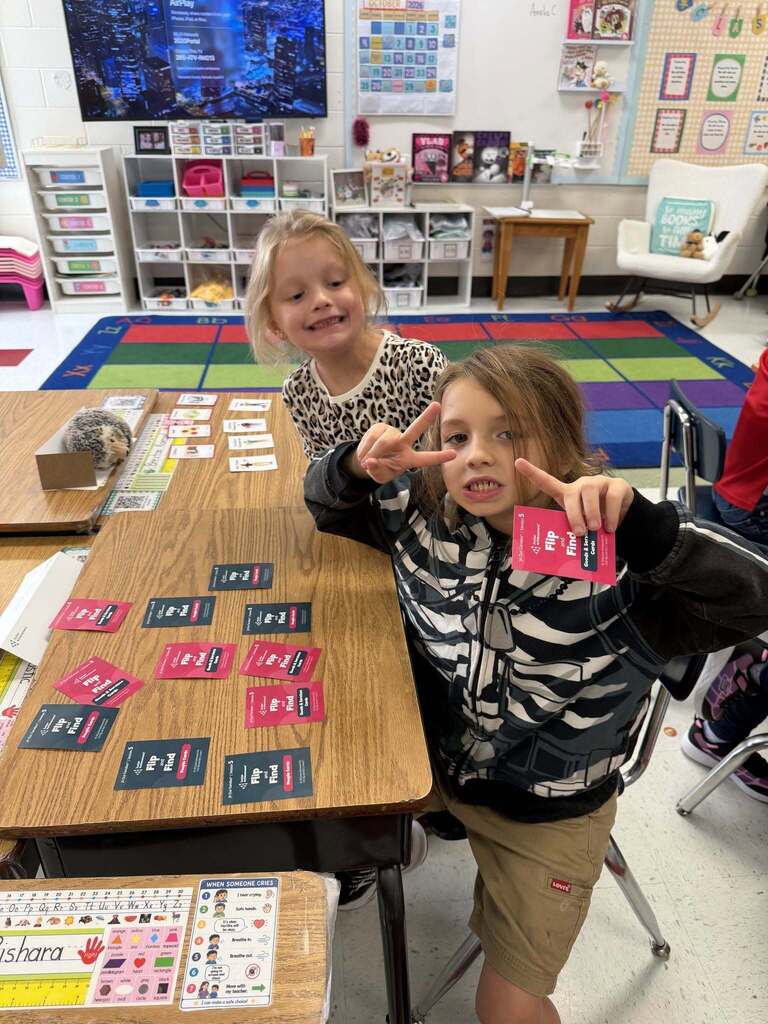
Ruffner Elementary students connected classroom learning with everyday life through interactive lessons with Junior Achievement volunteers.
Ask questions. Try things out. Put learning to work. Those opportunities start early in KCS and build through 12th grade, helping students discover their interests and develop skills they’ll carry beyond graduation.
👏 Thank you to the volunteers for sharing your time and experience with the Roadrunners. You’ve given them more to explore!
#lovewvpublicschools
Big topics for Ruffner’s Roadrunners! 💙
Ruffner Elementary students connected classroom learning with everyday life through interactive lessons with Junior Achievement volunteers.
Ask questions. Try things out. Put learning to work. Those opportunities start early in KCS and build through 12th grade, helping students discover their interests and develop skills they’ll carry beyond graduation.
👏 Thank you to the volunteers for sharing your time and experience with the Roadrunners. You’ve given them more to explore!
#lovewvpublicschools
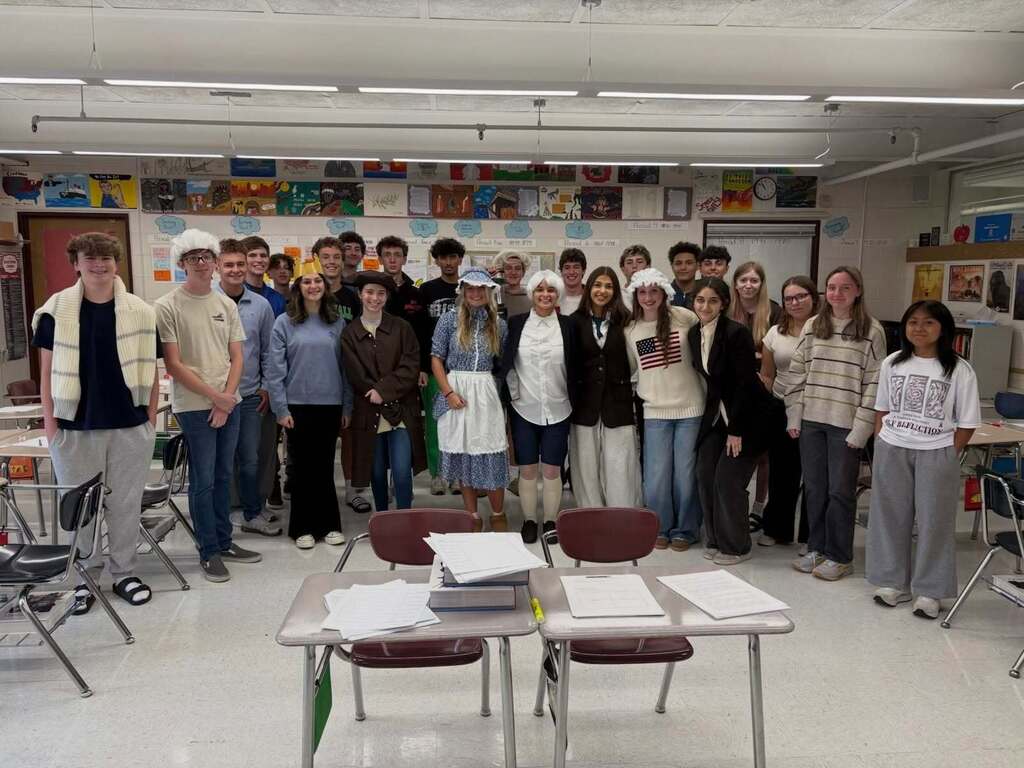
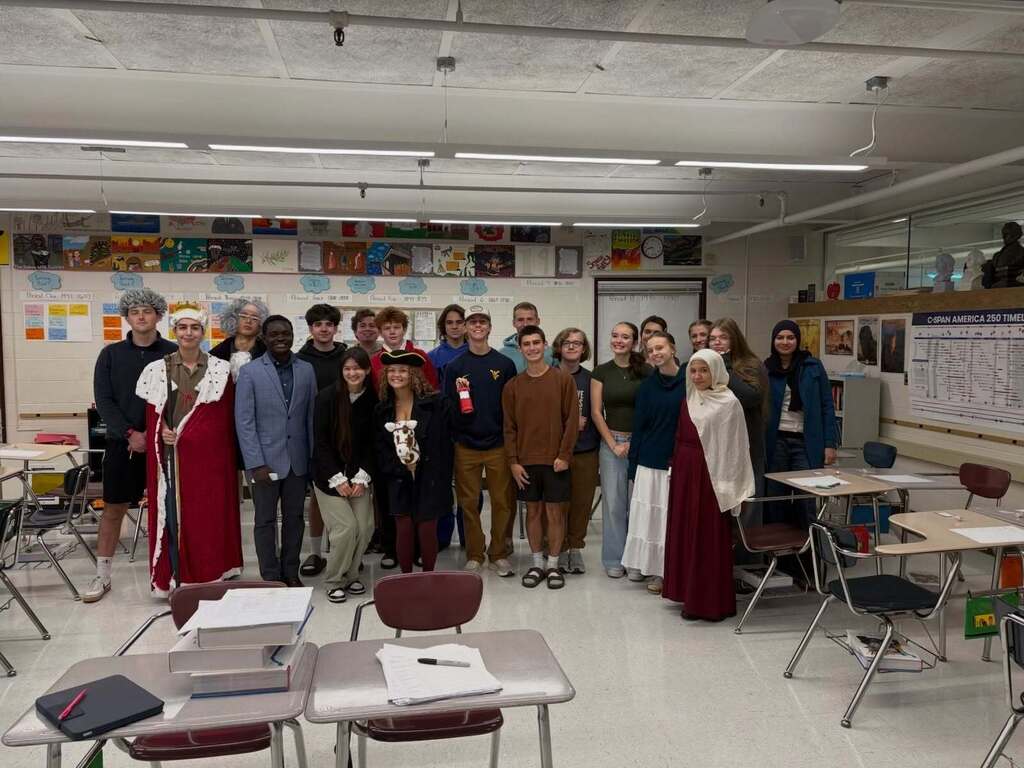
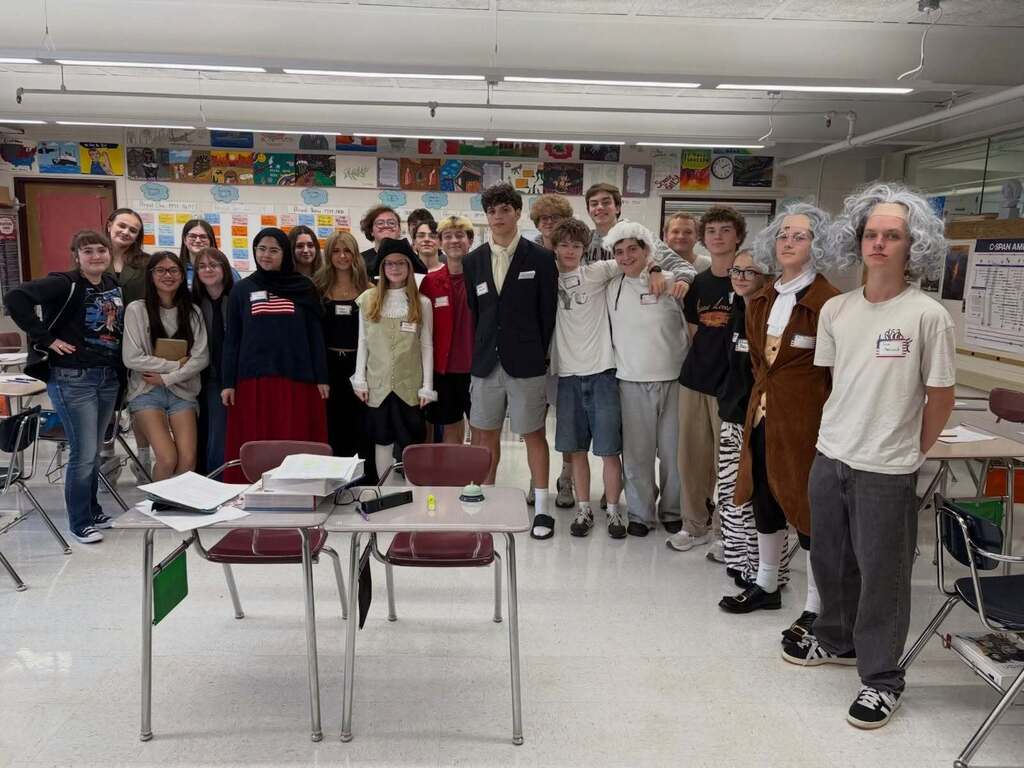
It’s not you. It’s the monarchy. 🇺🇸
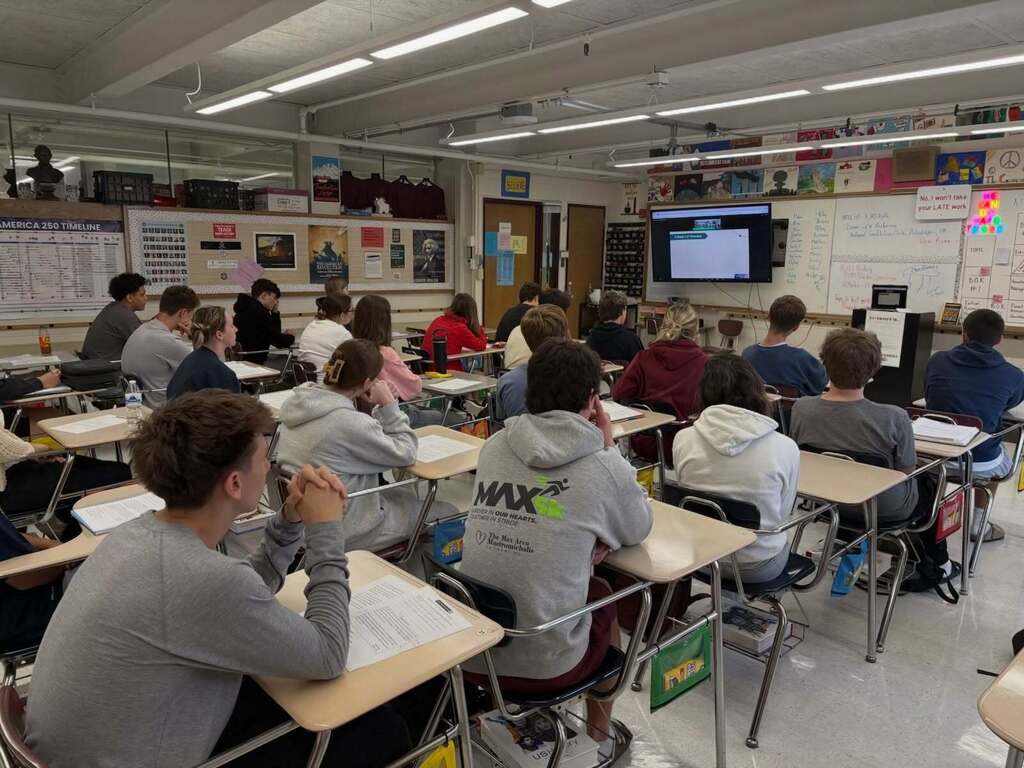
George Washington High School AP U.S. History students put a revolutionary spin on “speed dating,” getting to know the heroes and villains of the American Revolution. A good match or a major red flag? There’s a lot to unpack when a breakup with Britain is on the table.
Students also connected with a historian from the National Constitution Center to talk Common Sense.
First impressions, big ideas and revolutionary connections...history definitely didn’t get left on read this week. 💙
George Washington High School AP U.S. History students put a revolutionary spin on “speed dating,” getting to know the heroes and villains of the American Revolution. A good match or a major red flag? There’s a lot to unpack when a breakup with Britain is on the table.
Students also connected with a historian from the National Constitution Center to talk Common Sense.
First impressions, big ideas and revolutionary connections...history definitely didn’t get left on read this week. 💙
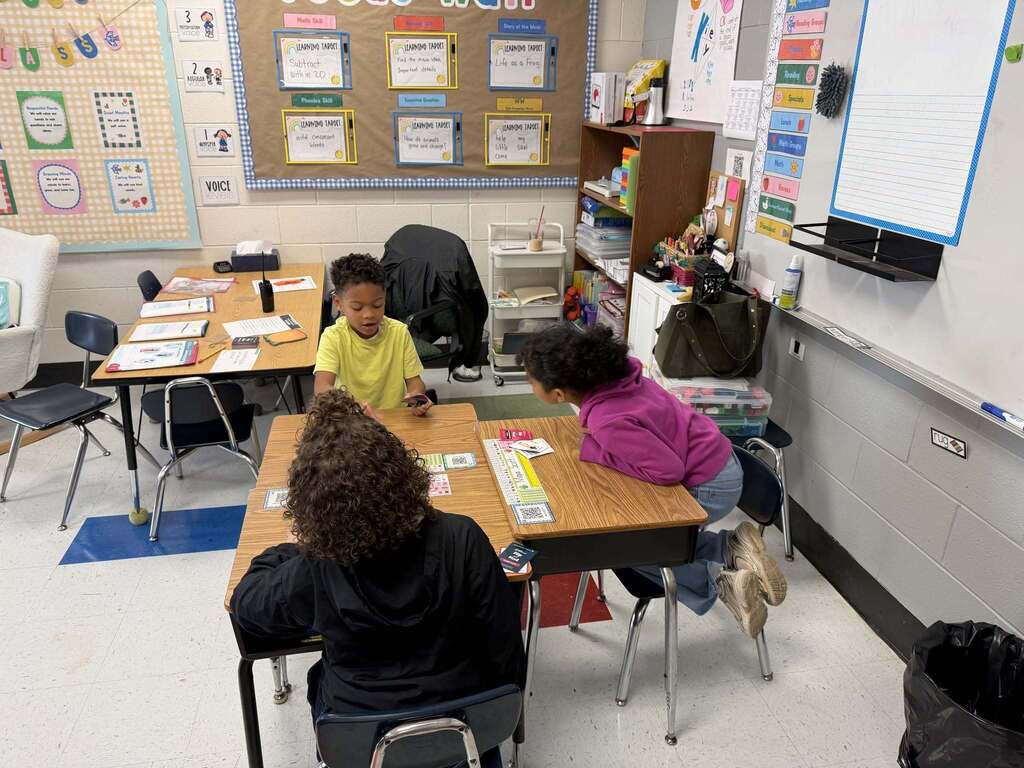
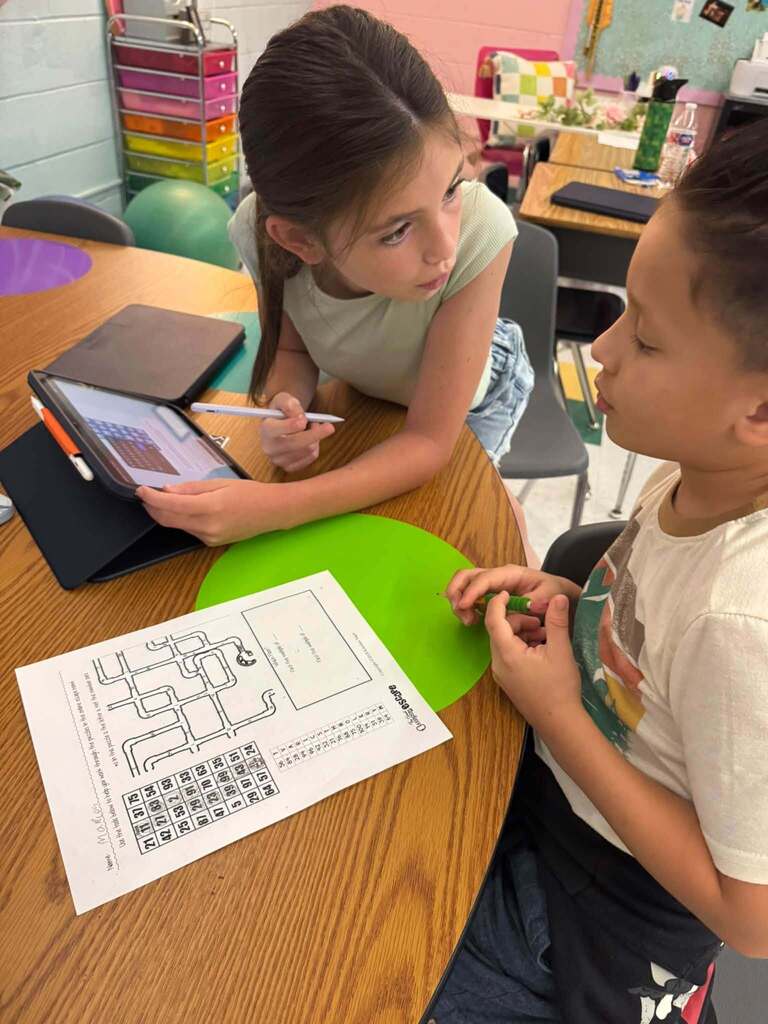
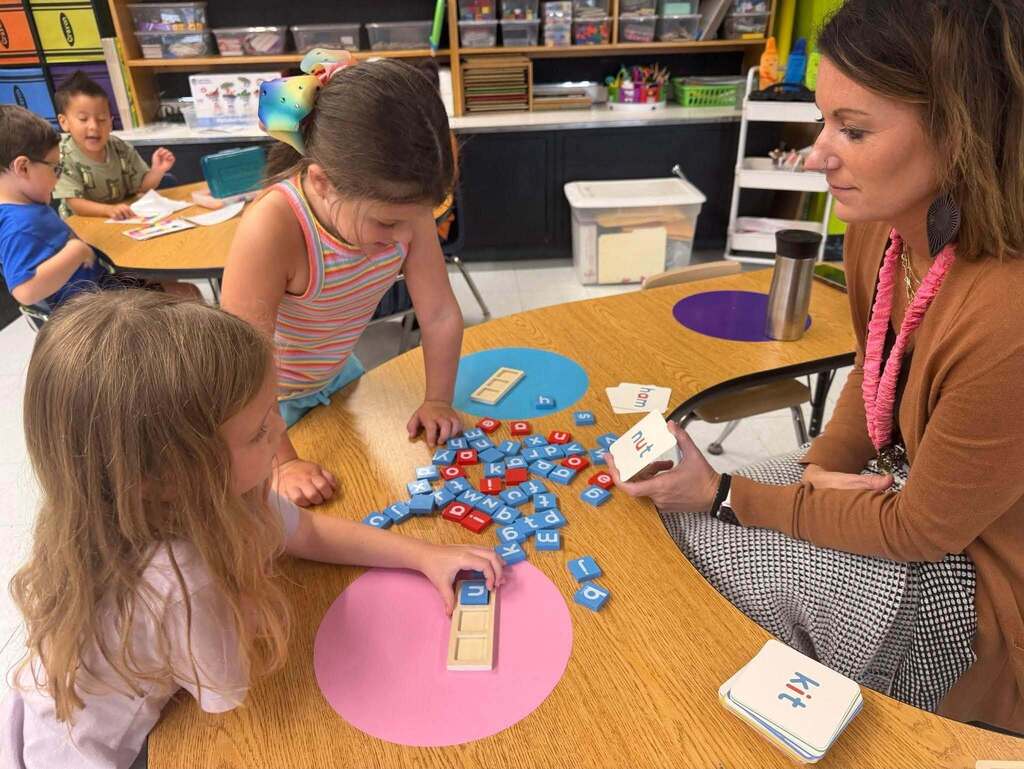
Sound it out. Sketch it out. Talk it through. Solve it together. 💡
Learning at Ruthlawn Elementary gives students plenty of ways to join in:
🔤 Start with a handful of letters. Kindergarteners are building words with letter tiles, putting sounds and blends to work.
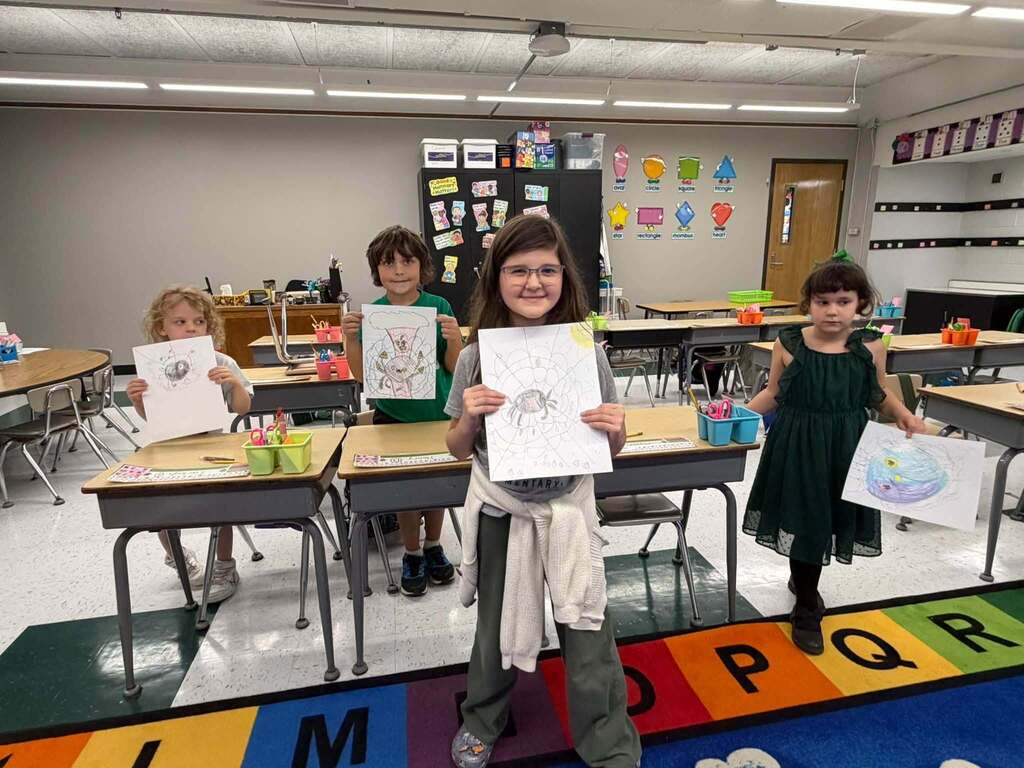
🖌️ Add some imagination. Students are holding up their Guided Art drawings, with colorful spiders and webs ready for their close-ups.
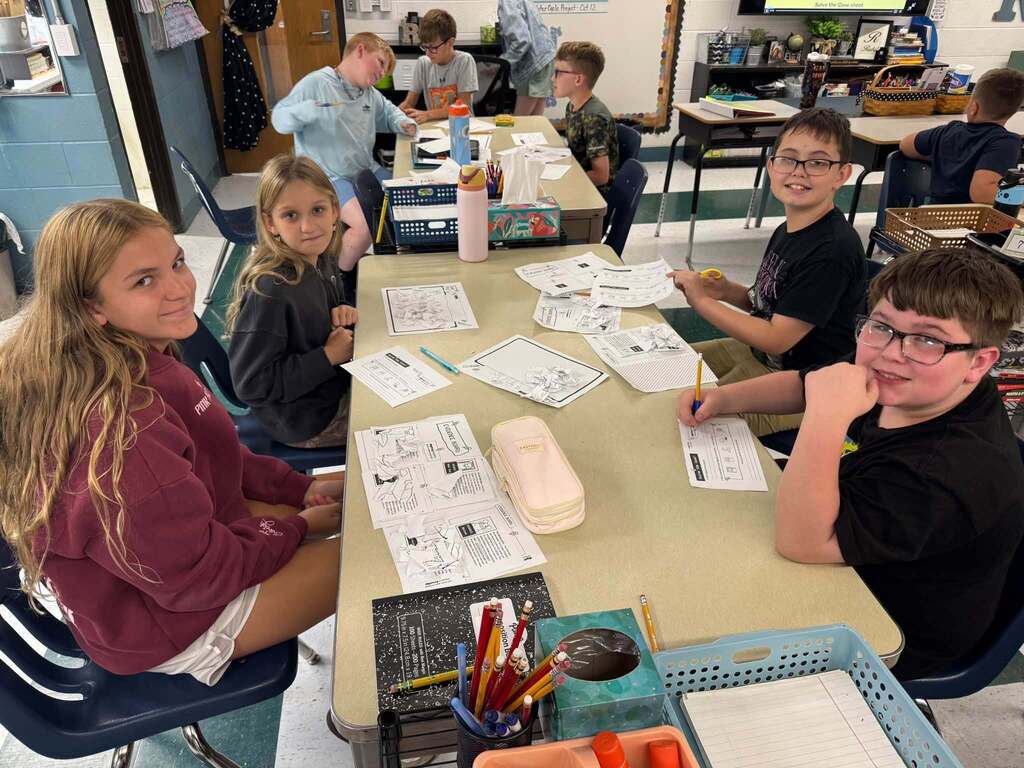
🫸 🫷Put two heads together. Fourth graders are working through a math escape room game, where talking through a problem is part of the challenge.
🔎 Bring evidence to the table. Fifth graders are teaming up to consider the evidence, share their thinking and solve problems together.
There’s concentration in these pictures. Creativity, too. And plenty of fun in figuring things out with the person beside you. 💚
Learning at Ruthlawn Elementary gives students plenty of ways to join in:
🔤 Start with a handful of letters. Kindergarteners are building words with letter tiles, putting sounds and blends to work.
🖌️ Add some imagination. Students are holding up their Guided Art drawings, with colorful spiders and webs ready for their close-ups.
🫸 🫷Put two heads together. Fourth graders are working through a math escape room game, where talking through a problem is part of the challenge.
🔎 Bring evidence to the table. Fifth graders are teaming up to consider the evidence, share their thinking and solve problems together.
There’s concentration in these pictures. Creativity, too. And plenty of fun in figuring things out with the person beside you. 💚
👏 September was busy in our schools. Getting the newsletters out took a few days of October, too.
All eight September feeder-area newsletters are ready to explore! You’ll find classroom discoveries, student and staff celebrations, community connections, and updates on school improvements across KCS.
Starting with the October edition, newsletters will be published on the last school day of each month. That means October’s editions will be out Friday, October 30, 2026.
➡️ Find your feeder area’s newsletter, and take a look at the others, on the KCS website.
🔗 Use the link in the comments to go to the feeder-area newsletter section on our website!
All eight September feeder-area newsletters are ready to explore! You’ll find classroom discoveries, student and staff celebrations, community connections, and updates on school improvements across KCS.
Starting with the October edition, newsletters will be published on the last school day of each month. That means October’s editions will be out Friday, October 30, 2026.
➡️ Find your feeder area’s newsletter, and take a look at the others, on the KCS website.
🔗 Use the link in the comments to go to the feeder-area newsletter section on our website!
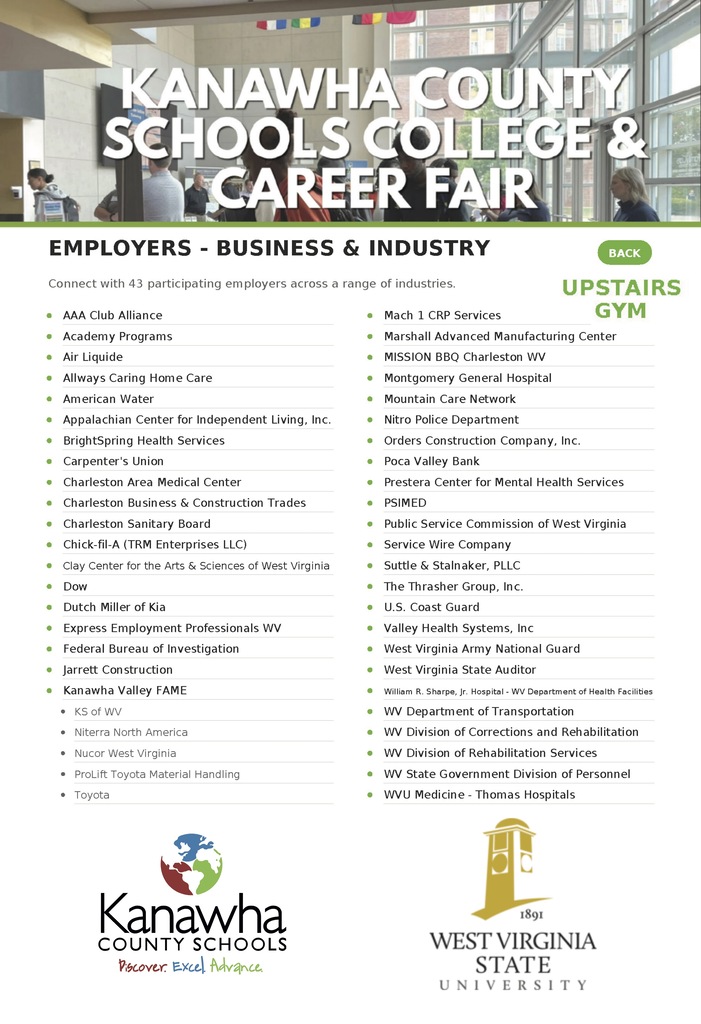
College plans. Career possibilities. Real conversations.
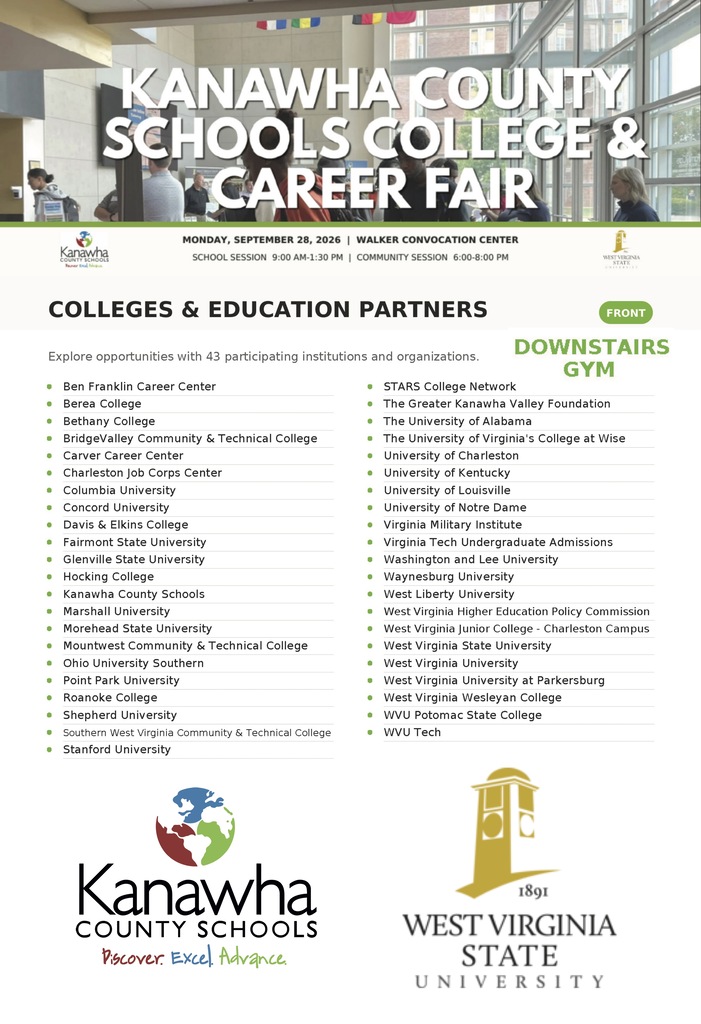
Interested high school students will visit the KCS College and Career Fair during the school day today.
✅ For the first time, parents, guardians and community members are also invited tonight from 6:00–8:00 p.m. at West Virginia State University’s downstairs gym.
Come meet representatives from universities and businesses, ask questions and explore what may be next. Your student does not need to be present to attend.
Interested high school students will visit the KCS College and Career Fair during the school day today.
✅ For the first time, parents, guardians and community members are also invited tonight from 6:00–8:00 p.m. at West Virginia State University’s downstairs gym.
Come meet representatives from universities and businesses, ask questions and explore what may be next. Your student does not need to be present to attend.
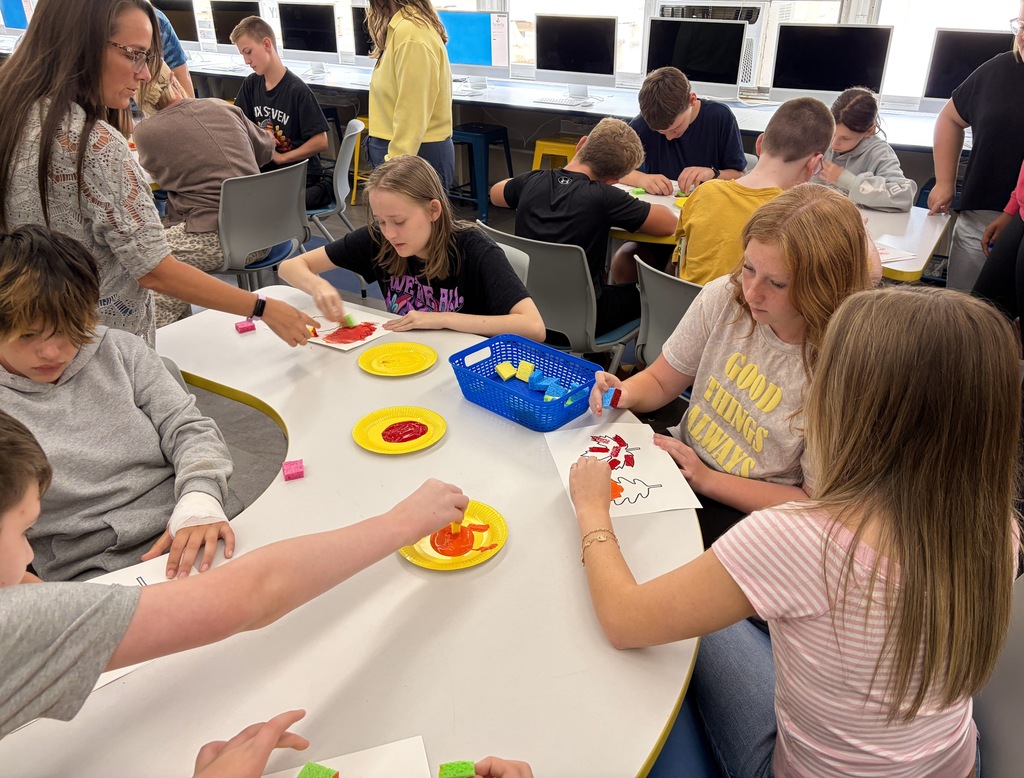
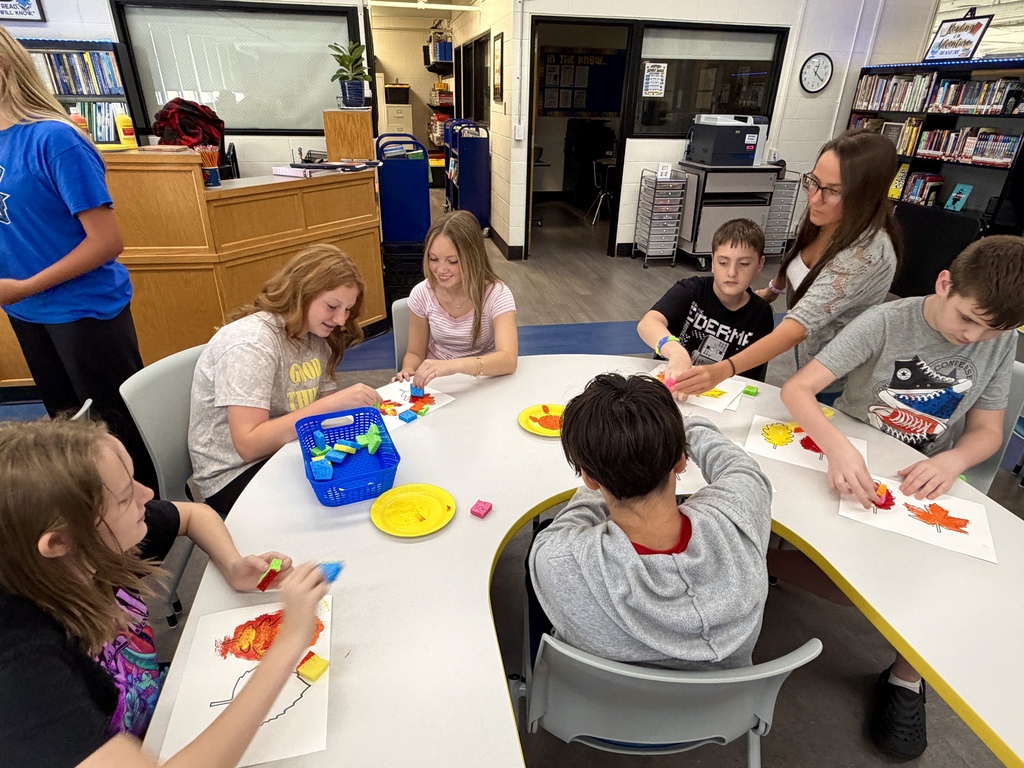
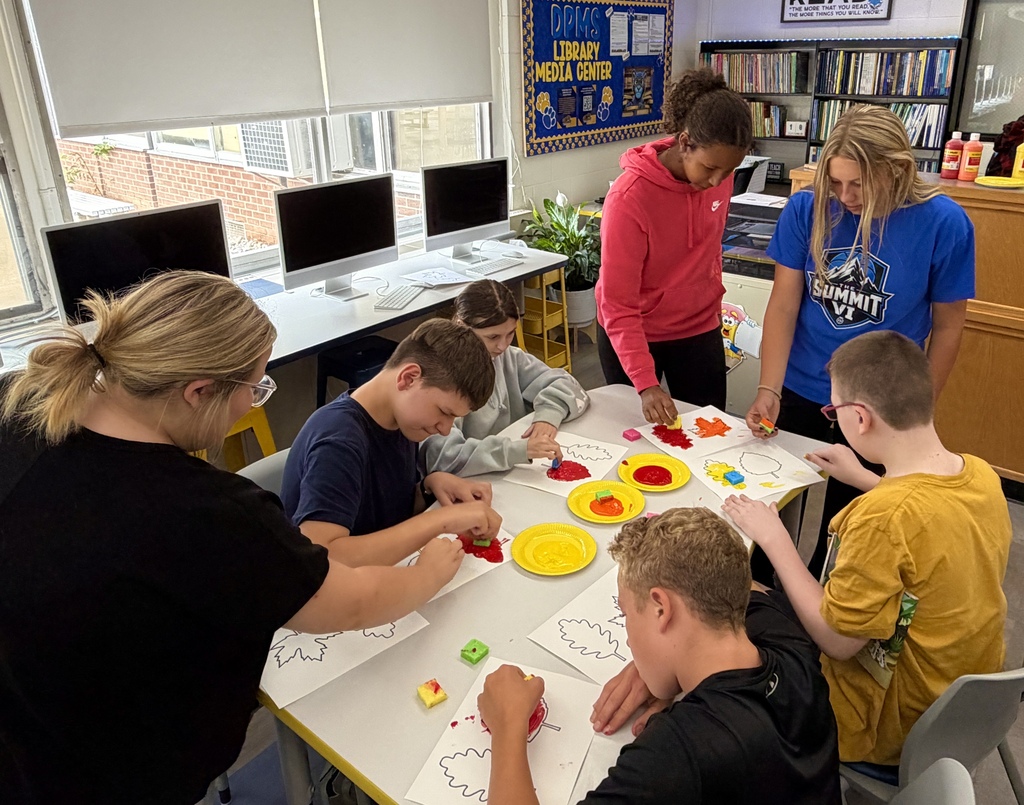
The start of new friendships at DuPont Middle School! 🍂
DuPont kicked off its Friendship Program with Beta members and their classmates sharing a fall read-aloud during library time, then working together on artwork that will go in the hallway display case once it’s finished.
There’s more time together ahead! Beta members are planning weekly lessons for Friday library days. Student leaders, Hallie and Olivia, will also meet with the school’s special education teachers to plan more activities for everyone to enjoy together.
We love seeing DuPont students take the lead in making time to connect with one another. 💙
DuPont kicked off its Friendship Program with Beta members and their classmates sharing a fall read-aloud during library time, then working together on artwork that will go in the hallway display case once it’s finished.
There’s more time together ahead! Beta members are planning weekly lessons for Friday library days. Student leaders, Hallie and Olivia, will also meet with the school’s special education teachers to plan more activities for everyone to enjoy together.
We love seeing DuPont students take the lead in making time to connect with one another. 💙
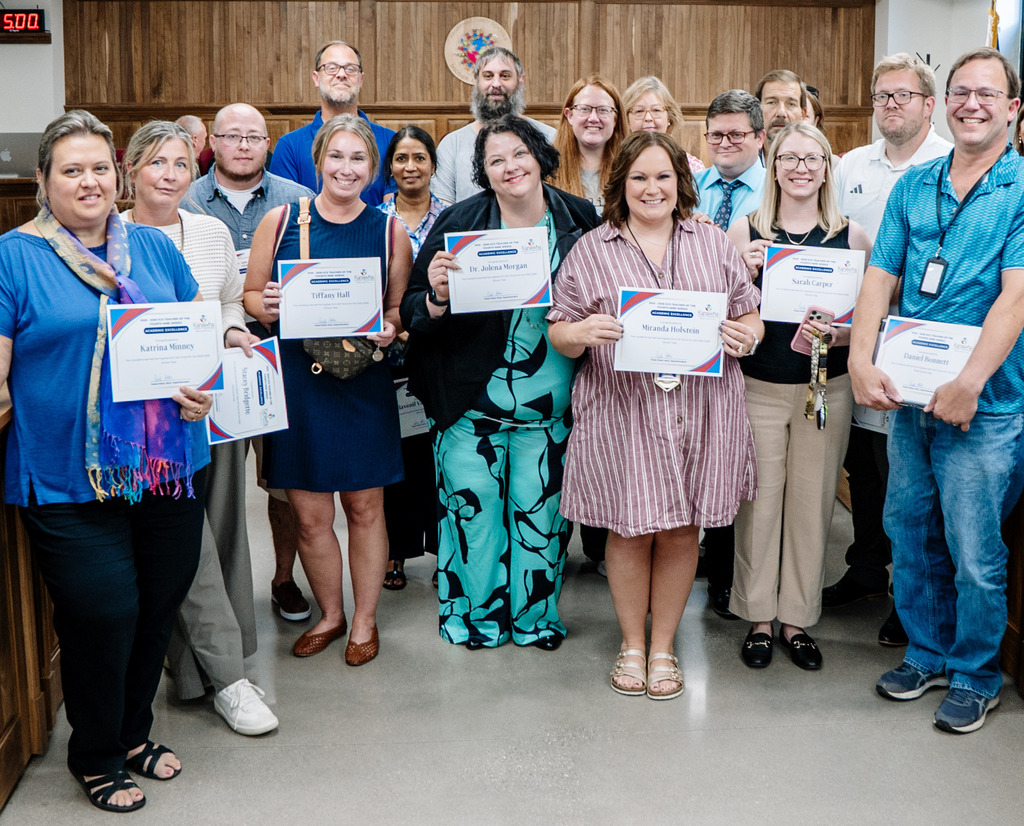
Their students made strides. Last week, these teachers had their moment in the spotlight. 💙
At last week’s Board meeting, these middle and high school teachers were honored as Teachers of the Fourth Nine Weeks for last school year.
With test results recently returned, we’re celebrating the teachers whose students showed the most growth within their schools in math or English language arts (ELA). Middle school recognition was based on the General Summative Assessment (GSA), while high school recognition was based on the SAT.
👏 Congratulations to these teachers and their students! There’s a lot of hard work behind that progress, and it deserves to be celebrated.
At last week’s Board meeting, these middle and high school teachers were honored as Teachers of the Fourth Nine Weeks for last school year.
With test results recently returned, we’re celebrating the teachers whose students showed the most growth within their schools in math or English language arts (ELA). Middle school recognition was based on the General Summative Assessment (GSA), while high school recognition was based on the SAT.
👏 Congratulations to these teachers and their students! There’s a lot of hard work behind that progress, and it deserves to be celebrated.
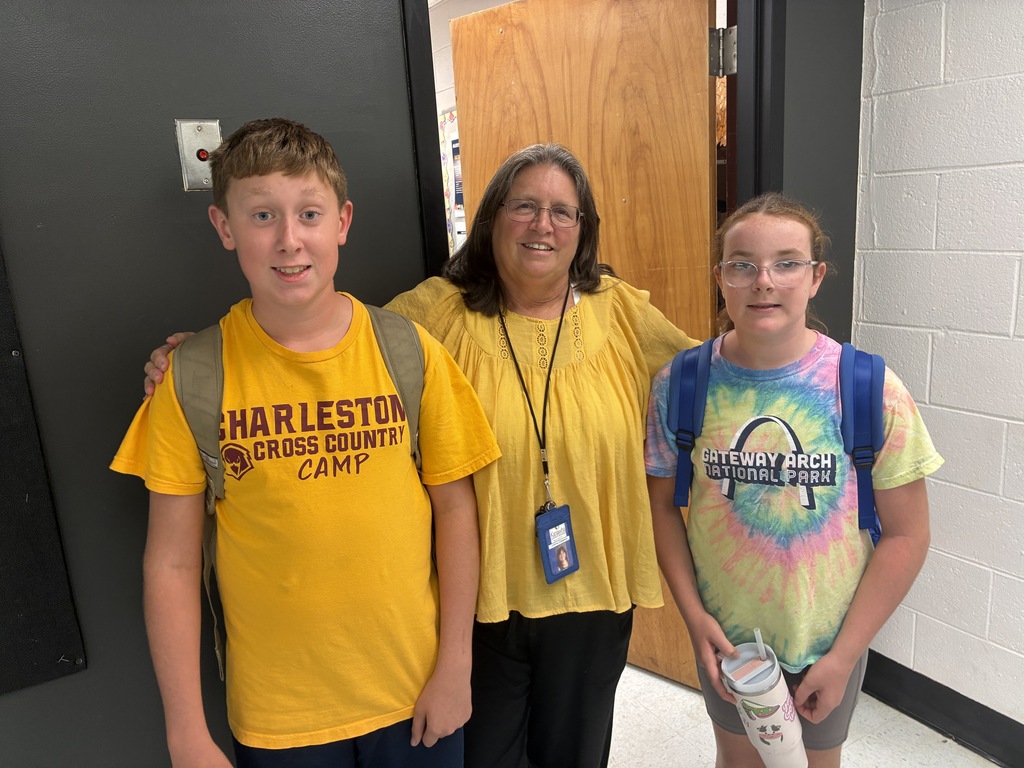
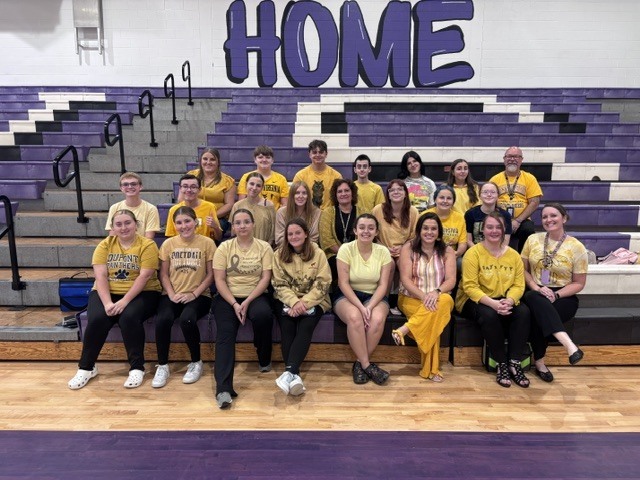
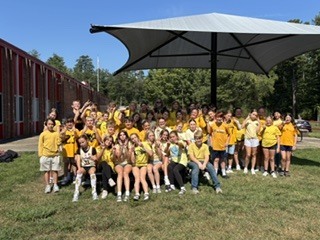
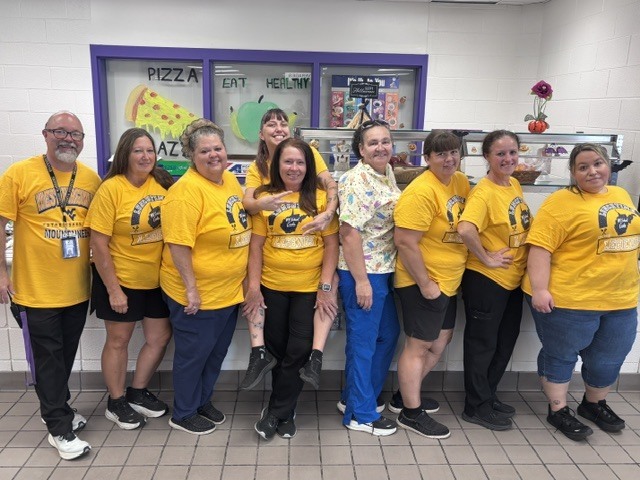
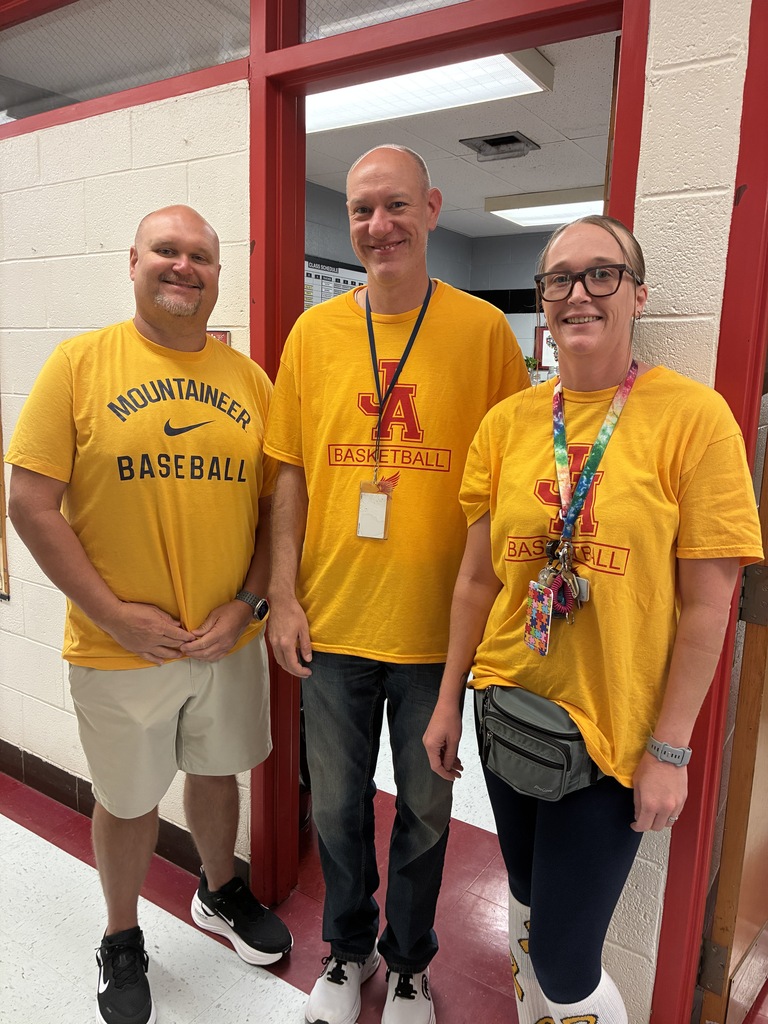
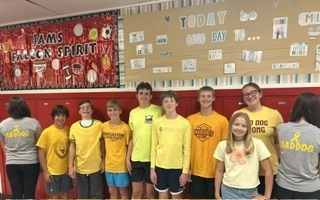
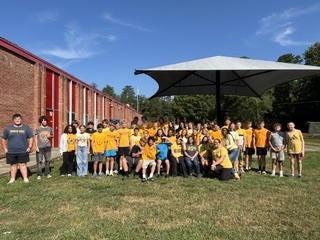
Yesterday, students and staff across Kanawha County Schools wore gold to raise awareness of childhood cancer and show support for children and families affected by it. 💛
We’re sharing a few photos from two of our schools, with thanks to everyone who wore gold for a meaningful reason.
We’re sharing a few photos from two of our schools, with thanks to everyone who wore gold for a meaningful reason.
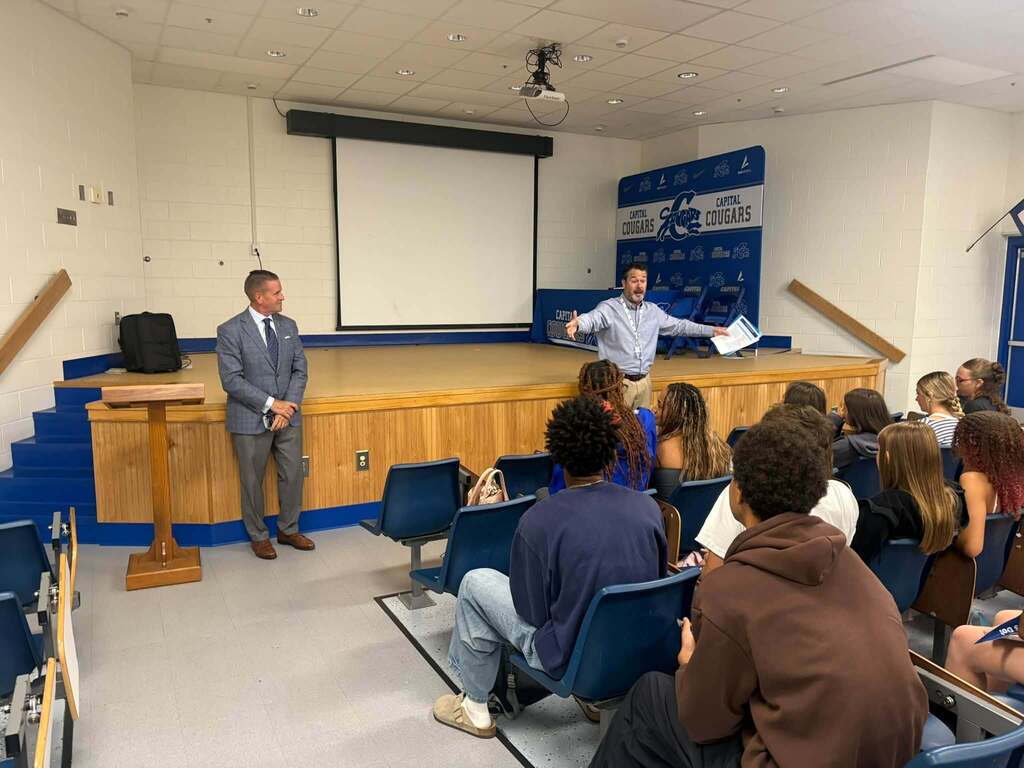
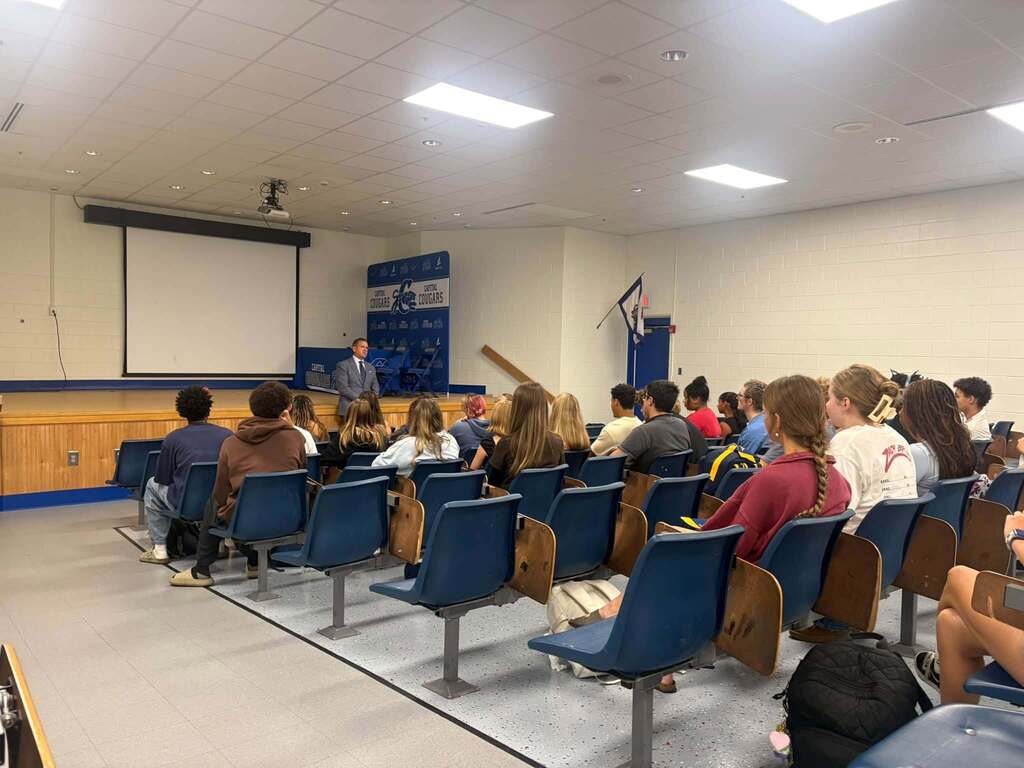
The express lane to becoming a Mountaineer now runs through Kanawha County! 💙💛
WVU President Michael Benson recently stopped by Capital High School to meet with students as WVU launches WVU Express. Through this new pilot program, qualifying KCS seniors can be admitted to WVU without a traditional application or application fee.
We’re proud that KCS students are among the first in West Virginia to have this opportunity. Interested seniors should talk with their school counselor to learn more.
Country Roads just got a little shorter!
WVU President Michael Benson recently stopped by Capital High School to meet with students as WVU launches WVU Express. Through this new pilot program, qualifying KCS seniors can be admitted to WVU without a traditional application or application fee.
We’re proud that KCS students are among the first in West Virginia to have this opportunity. Interested seniors should talk with their school counselor to learn more.
Country Roads just got a little shorter!
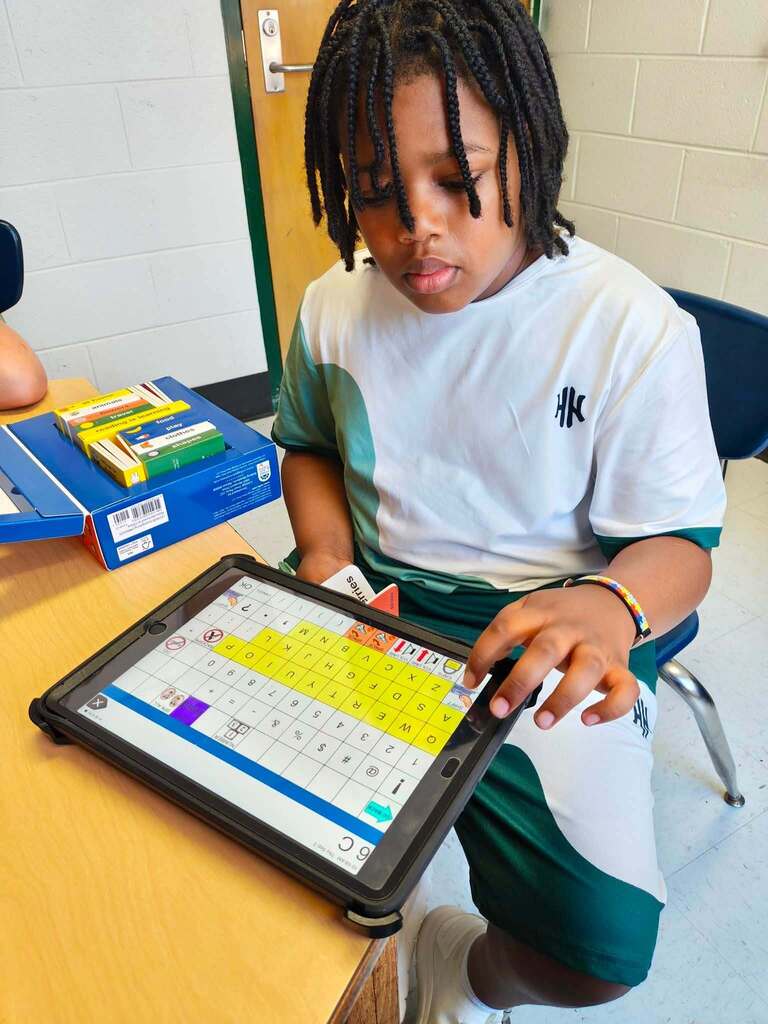
Real growth doesn’t always fit into a neat “before-and-after” photo. 📸✨
It happens in the hundreds of small moments that happen throughout the school day. It looks like...
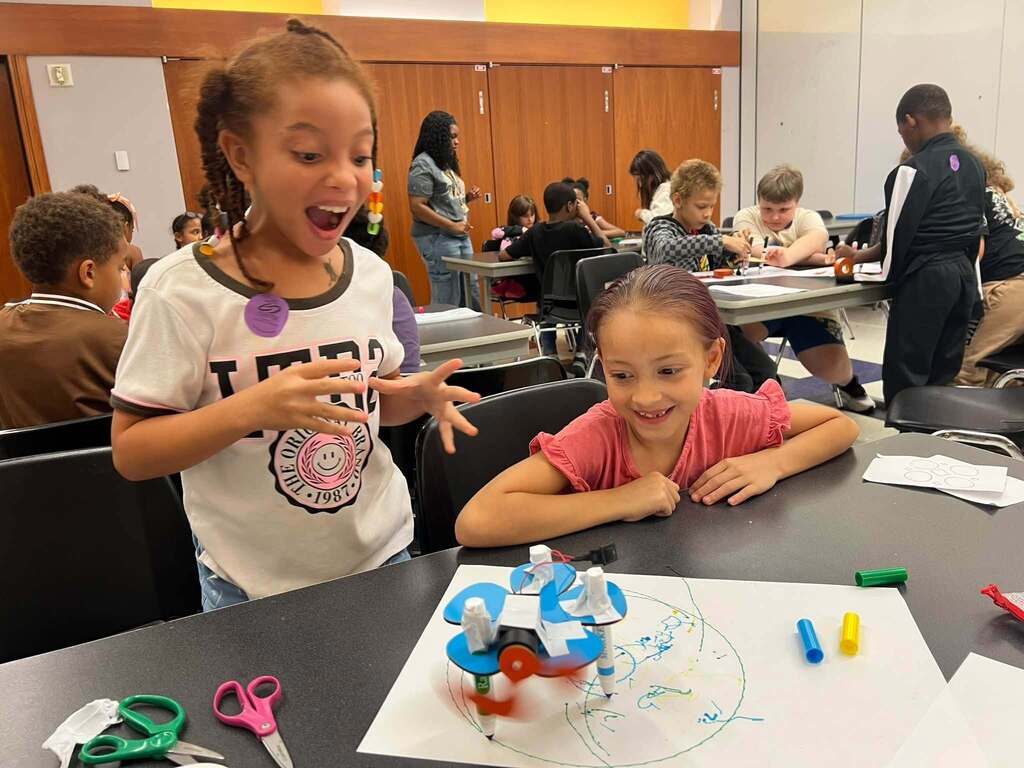
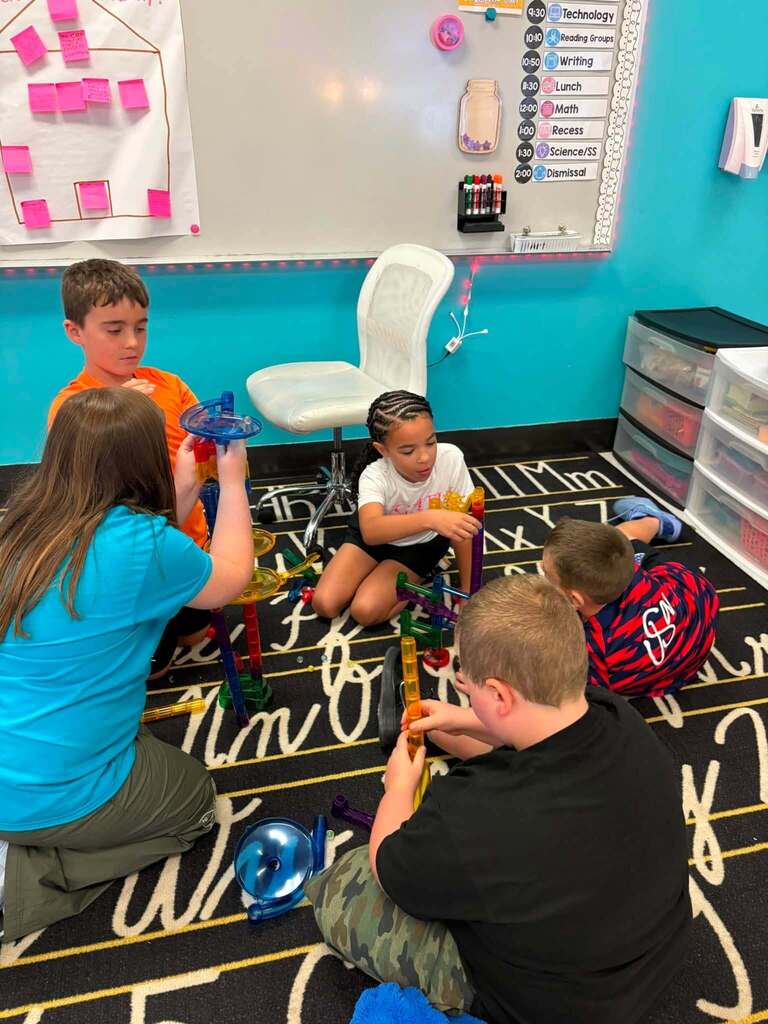
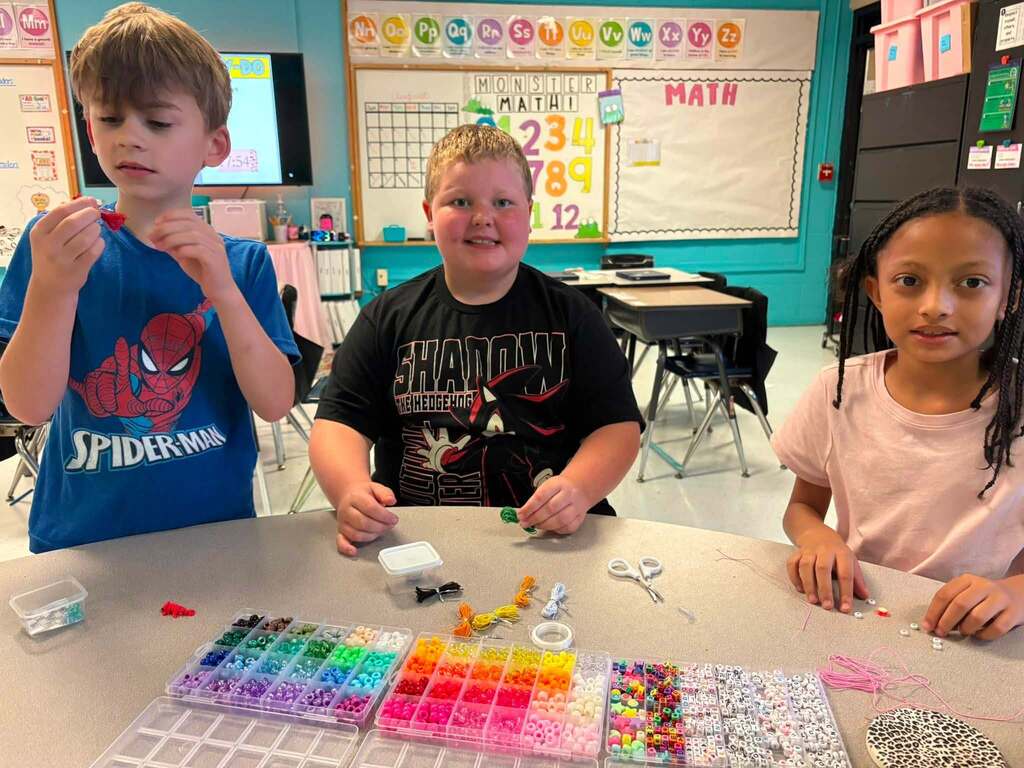
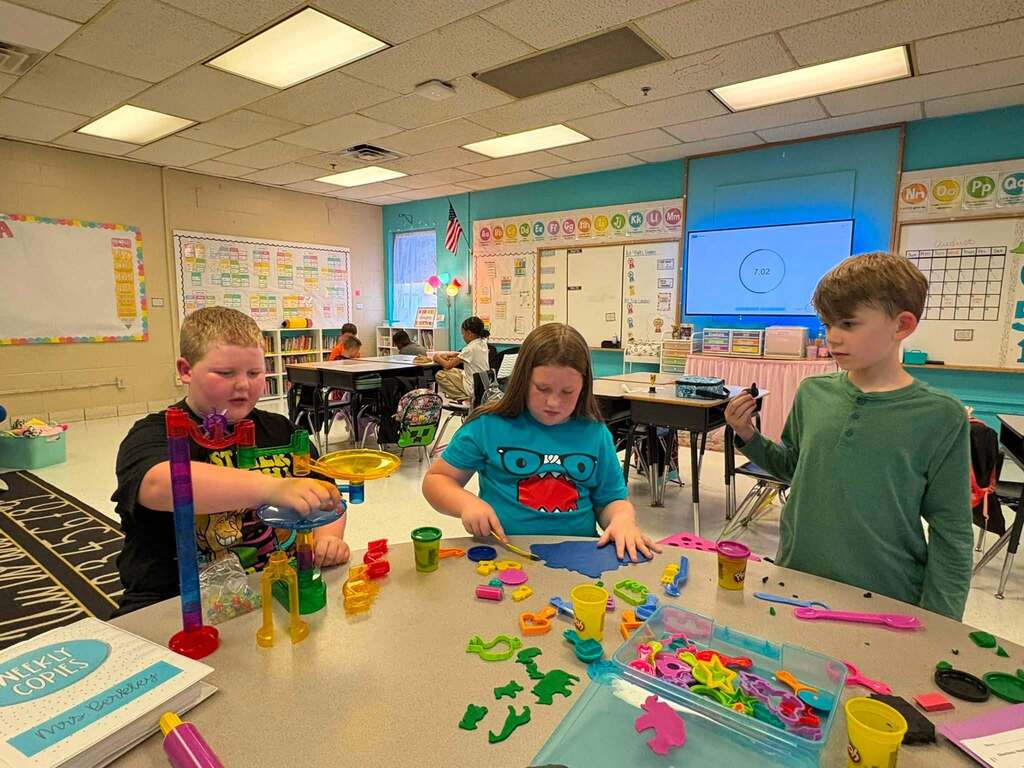
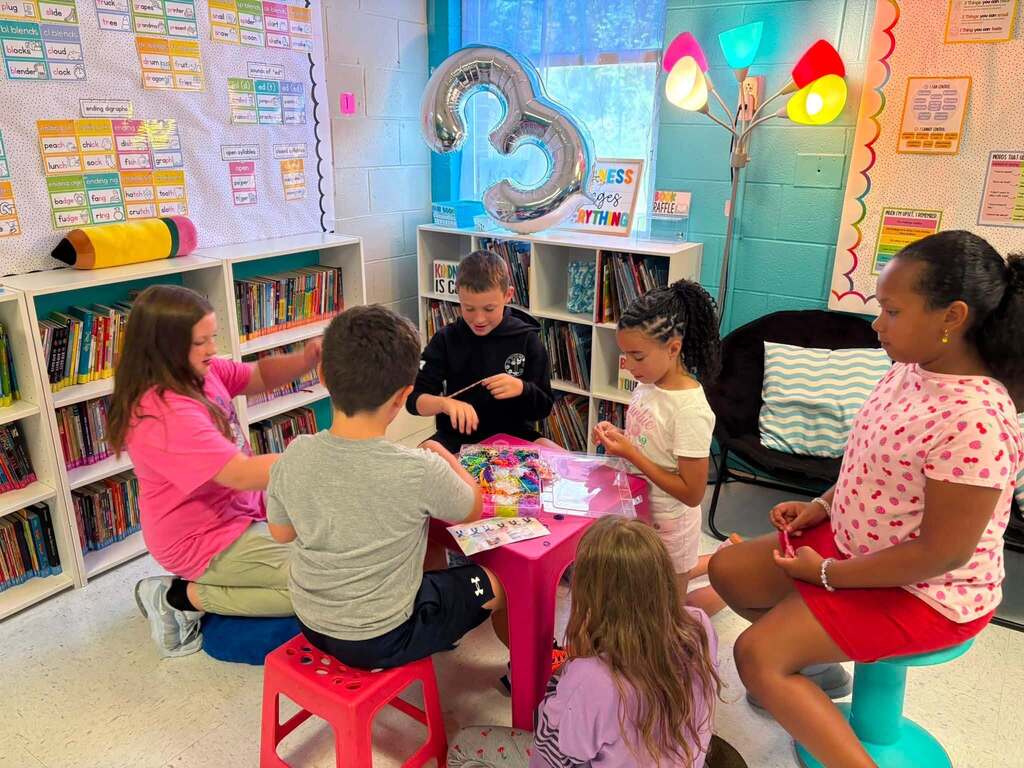
🔹 A Ruffner Elementary third grader diving into a project with classmates - trying, building, and talking things through.
🔹 During speech therapy at Ruffner, it’s students using an Augmentative and Alternative Communication (AAC) device to join the conversation and share an idea.
These photos don’t show a finished product. They show something much better: the hard work and breakthroughs happening in KCS classrooms right now. ❤️
It happens in the hundreds of small moments that happen throughout the school day. It looks like...
🔹 A Ruffner Elementary third grader diving into a project with classmates - trying, building, and talking things through.
🔹 During speech therapy at Ruffner, it’s students using an Augmentative and Alternative Communication (AAC) device to join the conversation and share an idea.
These photos don’t show a finished product. They show something much better: the hard work and breakthroughs happening in KCS classrooms right now. ❤️
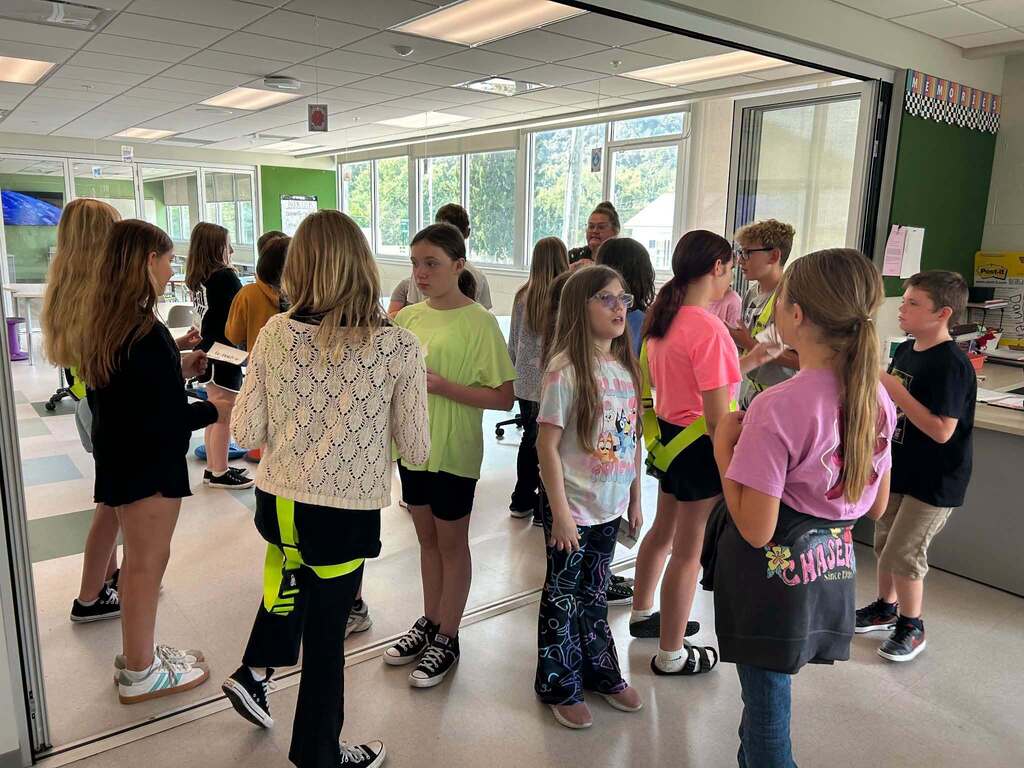
📚 Progress can look like two circles of fifth graders helping one another turn new words into sentences.
At Cedar Grove Elementary, Mrs. Daniels used an inner-and-outer-circle learning strategy to make vocabulary practice active and collaborative.
📖 Students read the word on one side of an index card, their partner read the definition on the other side, when needed, and then students used the word in a sentence.
Creative teaching helps students learn from both their teacher and one another...and teacher leaders like Mrs. Daniels are among the people behind progress across KCS. 💙
At Cedar Grove Elementary, Mrs. Daniels used an inner-and-outer-circle learning strategy to make vocabulary practice active and collaborative.
📖 Students read the word on one side of an index card, their partner read the definition on the other side, when needed, and then students used the word in a sentence.
Creative teaching helps students learn from both their teacher and one another...and teacher leaders like Mrs. Daniels are among the people behind progress across KCS. 💙
🗓️ Calendar Reminder!
Schools and offices are closed, Monday, September 7th in observance of Labor Day. We'll see everyone back on Tuesday, September 8th.
Schools and offices are closed, Monday, September 7th in observance of Labor Day. We'll see everyone back on Tuesday, September 8th.
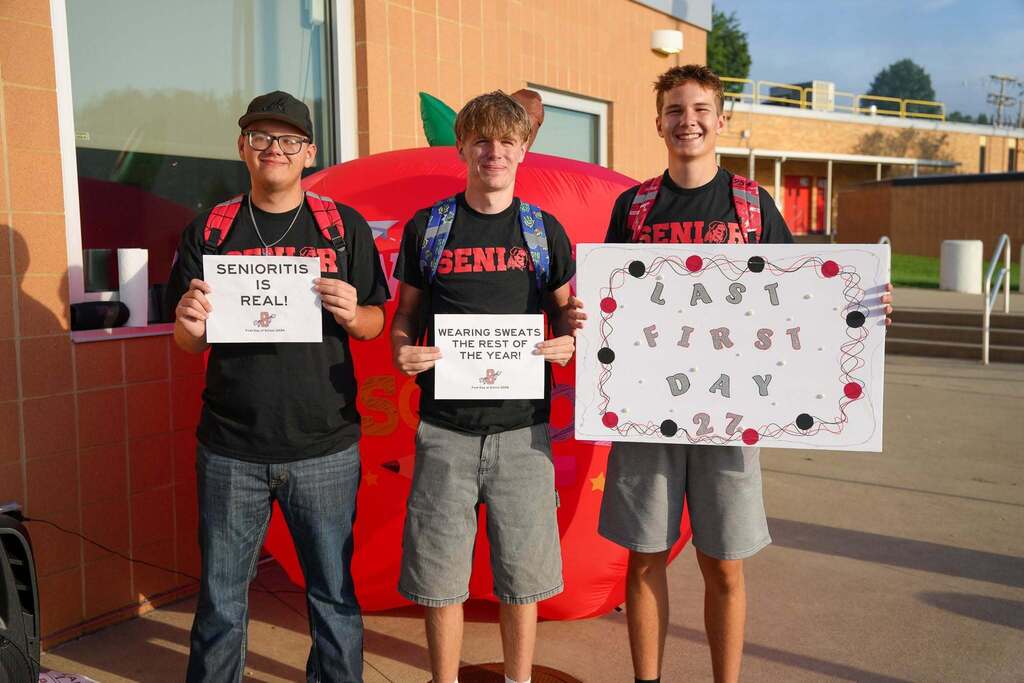
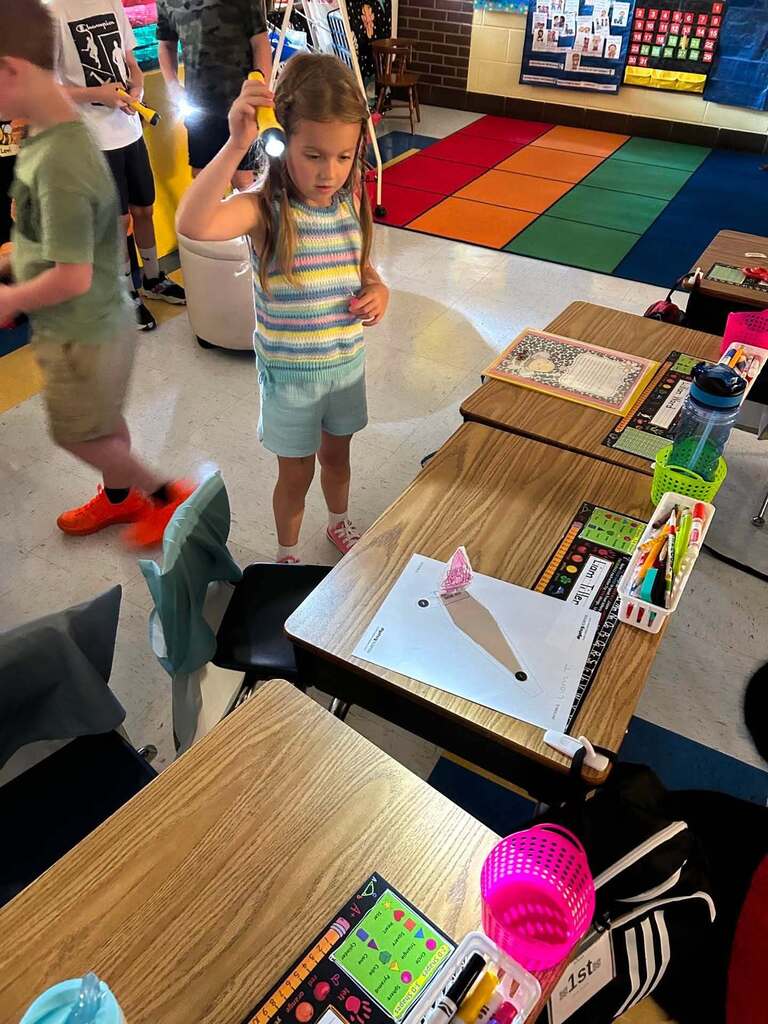
Some of the most important moments of a school year happen quietly...in a first attempt or a new discovery, or maybe a milestone reached.
🎓 Sissonville High School: Three seniors marked their last first day together, and their final first day as KCS students. A milestone years in the making.
🔦 Andrews Heights Elementary School: Students jumped into one of their first experiments of the year, exploring light and shadows through active learning.
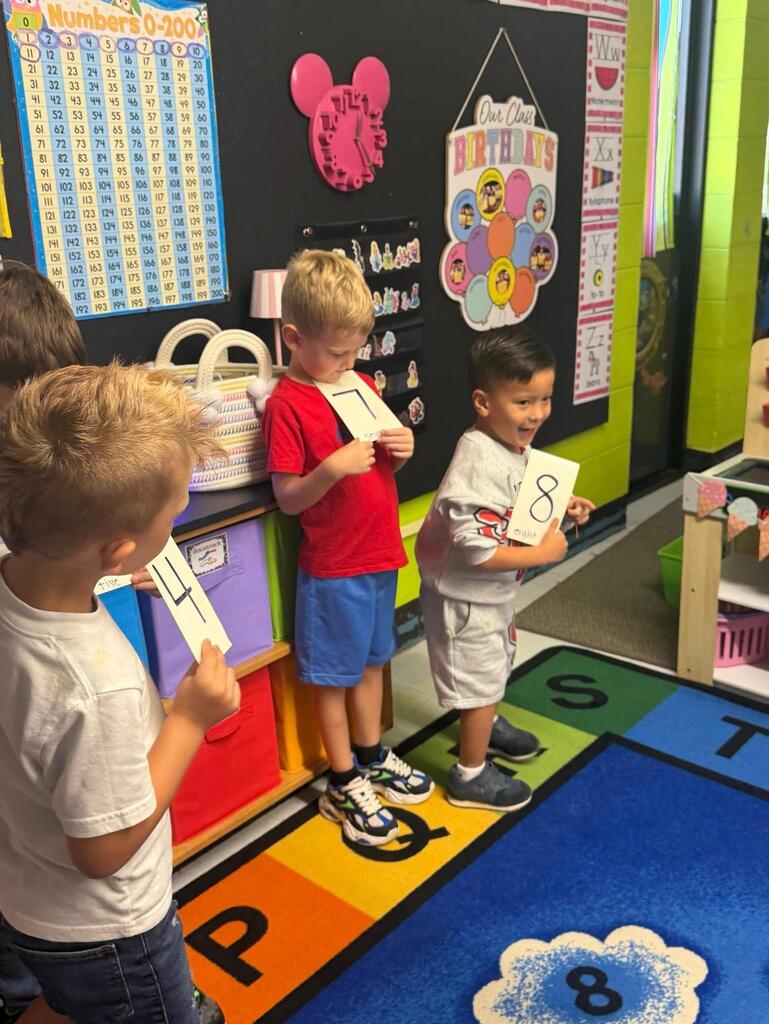
🔢 Ruthlawn Elementary School: Some of the schools youngest students practiced counting and putting numbers in the right order, building skills and confidence one number at a time.
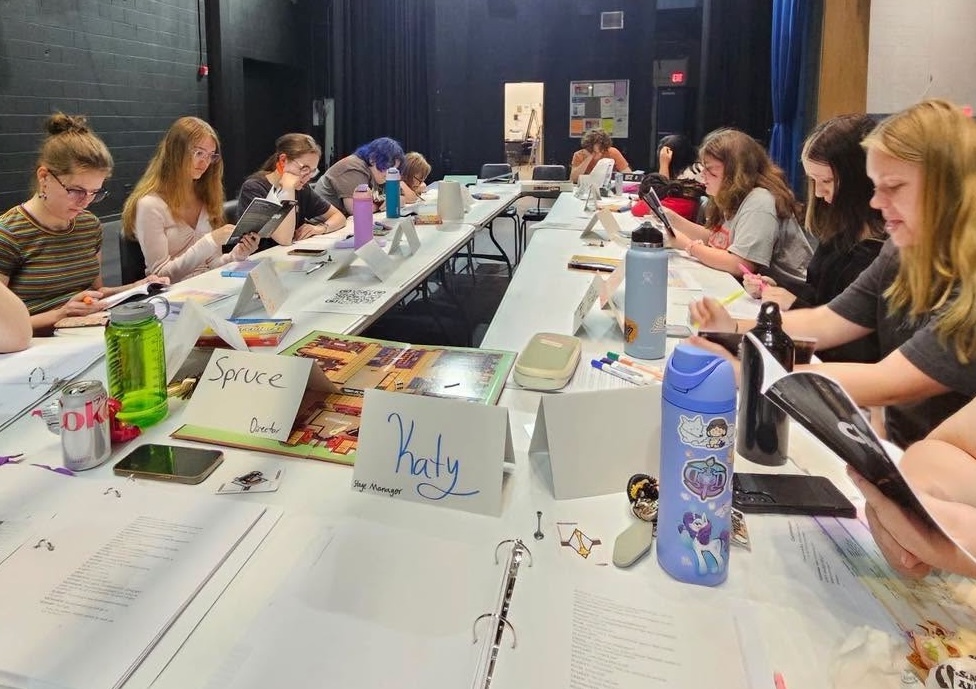
🎭 Capital High School: Performing Arts students gathered for the first read-through of their fall production, Clue: High School Edition. The mystery, and the teamwork, starts here.
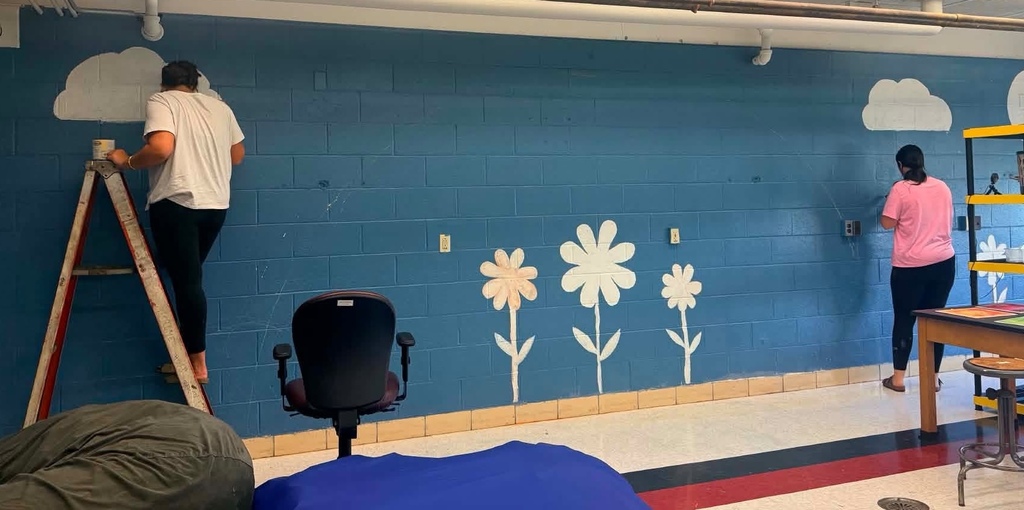
🎨 Nitro High School: Art students are creating a huge mural, using their talents to bring a fun twist into their classroom.
These moments may be small enough to miss, but over time they add up to new skills and growing confidence.
🎓 Sissonville High School: Three seniors marked their last first day together, and their final first day as KCS students. A milestone years in the making.
🔦 Andrews Heights Elementary School: Students jumped into one of their first experiments of the year, exploring light and shadows through active learning.
🔢 Ruthlawn Elementary School: Some of the schools youngest students practiced counting and putting numbers in the right order, building skills and confidence one number at a time.
🎭 Capital High School: Performing Arts students gathered for the first read-through of their fall production, Clue: High School Edition. The mystery, and the teamwork, starts here.
🎨 Nitro High School: Art students are creating a huge mural, using their talents to bring a fun twist into their classroom.
These moments may be small enough to miss, but over time they add up to new skills and growing confidence.
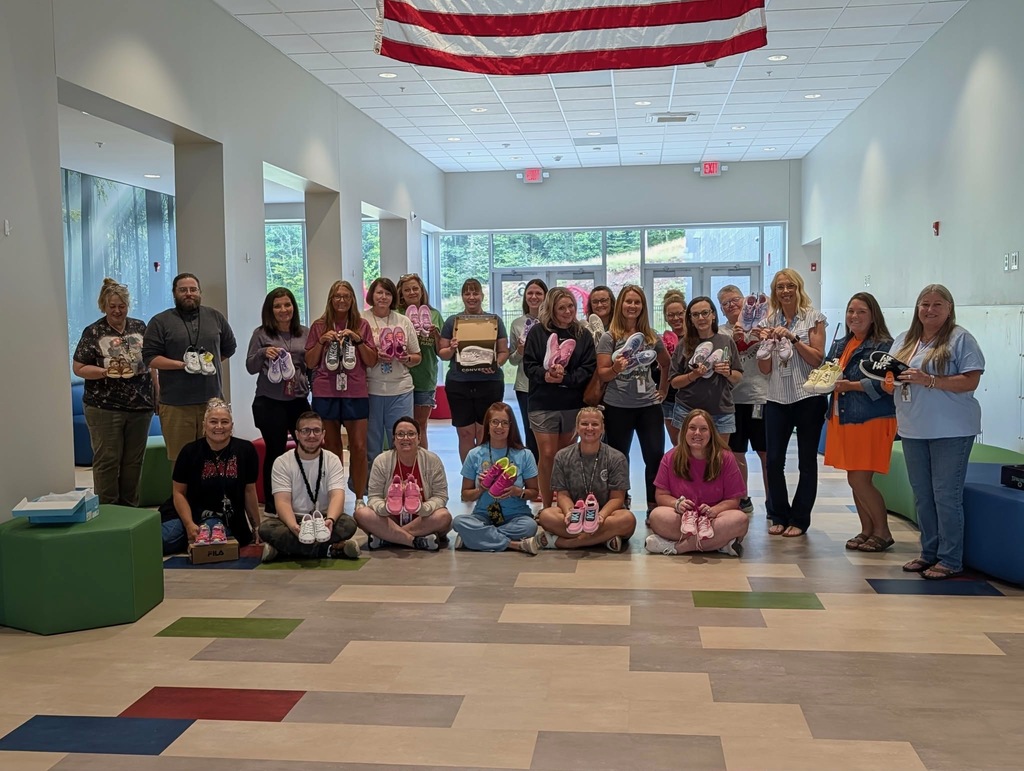
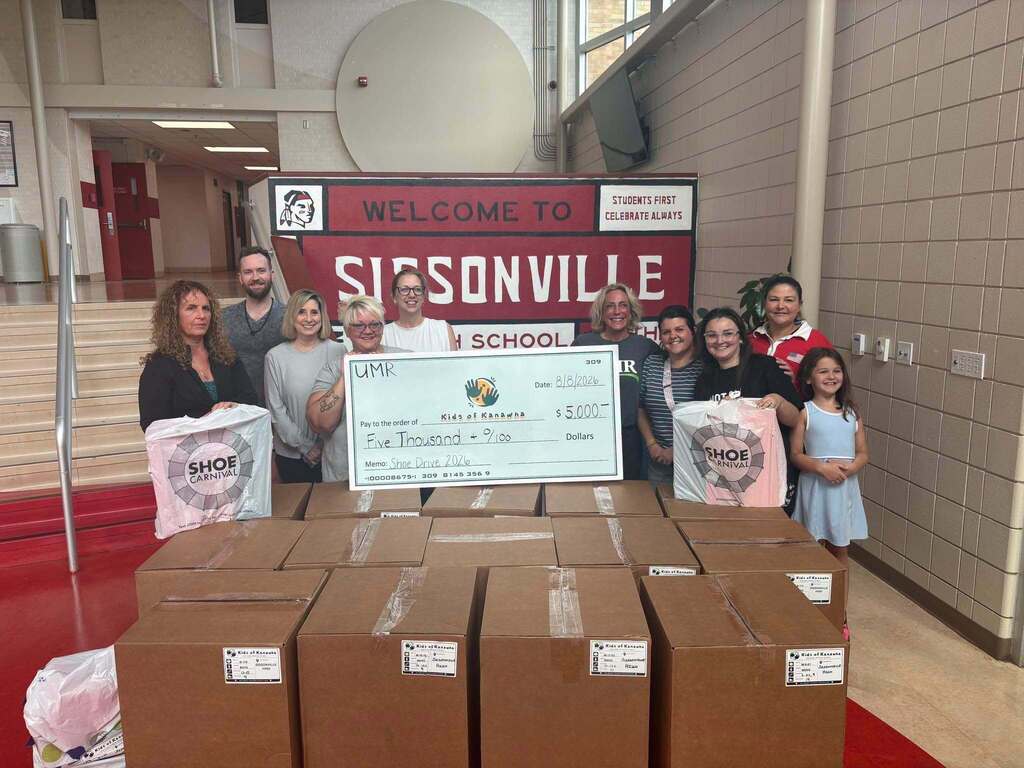
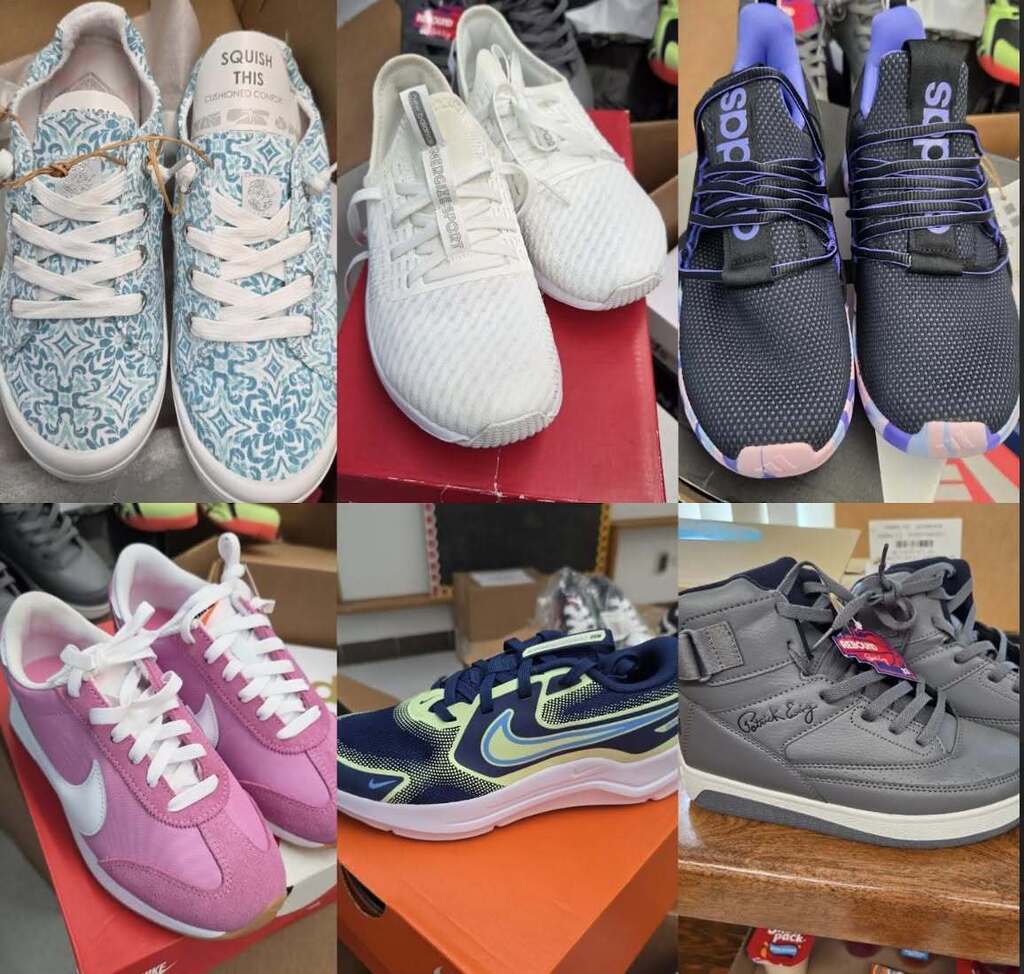
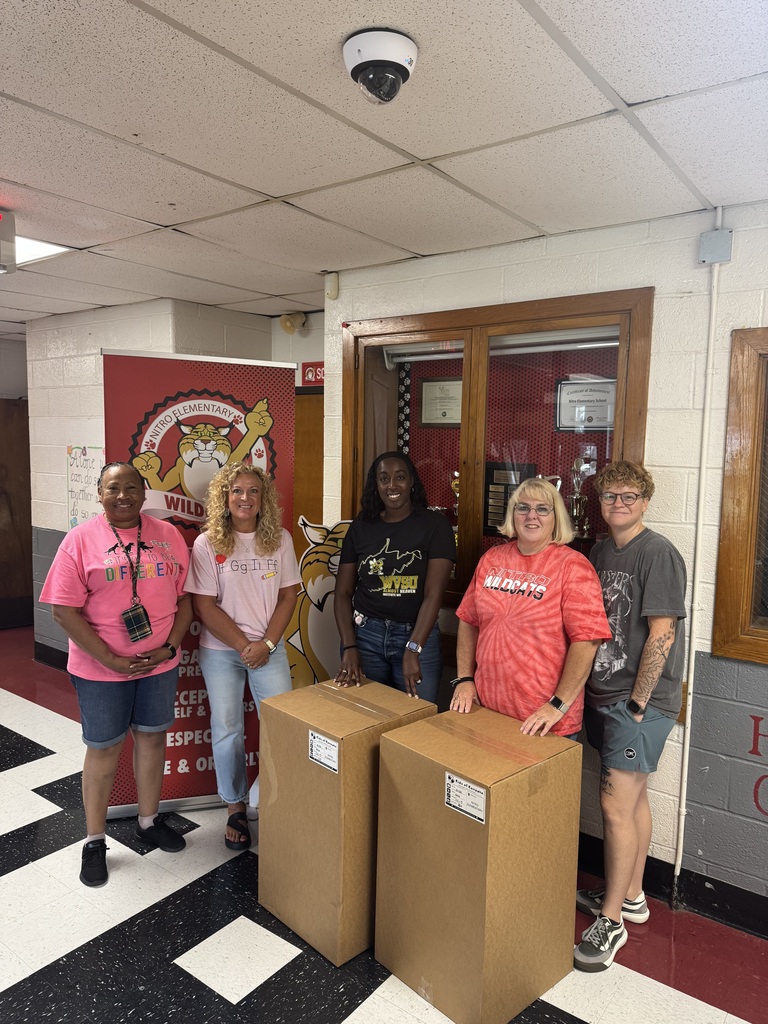
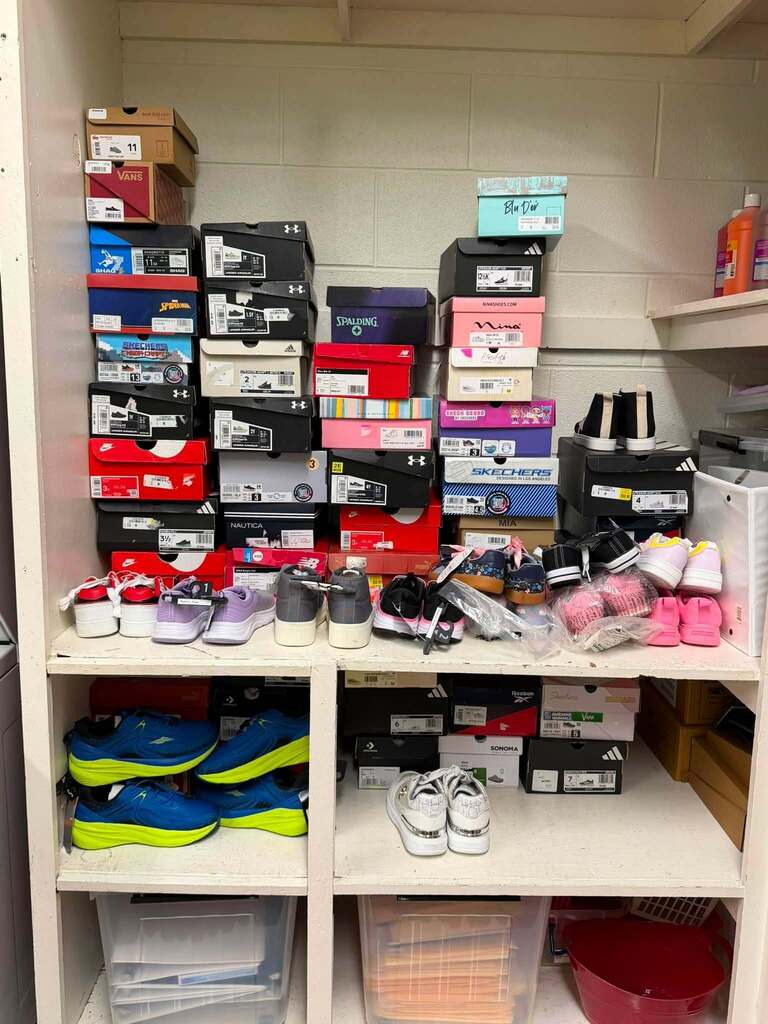
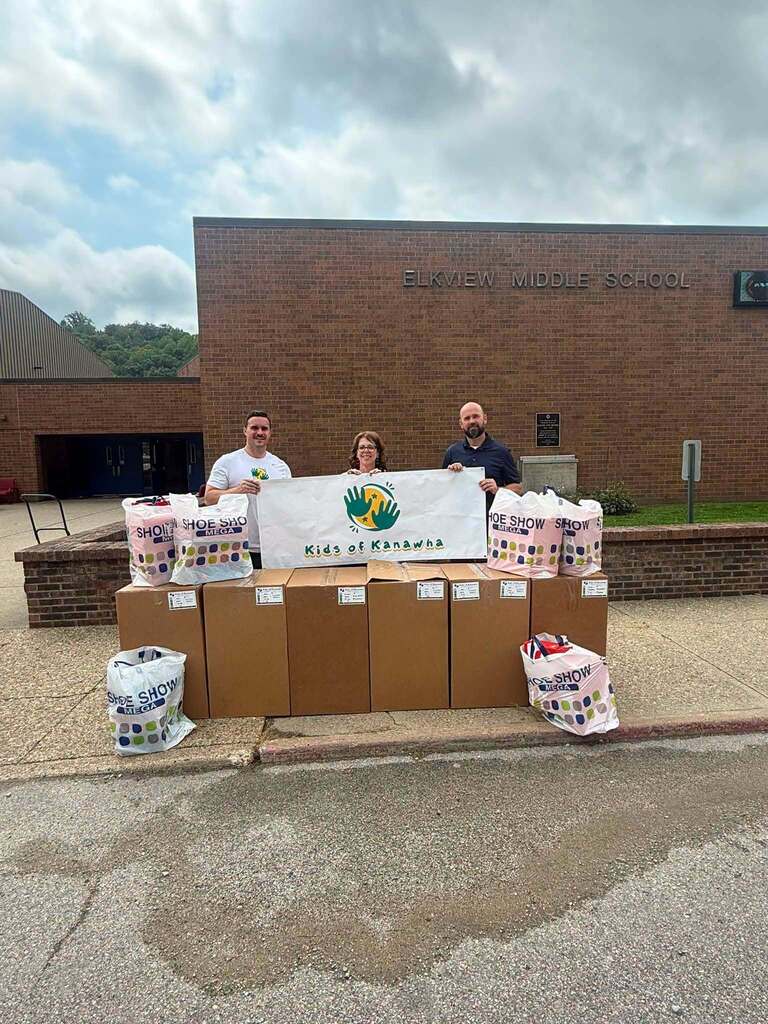
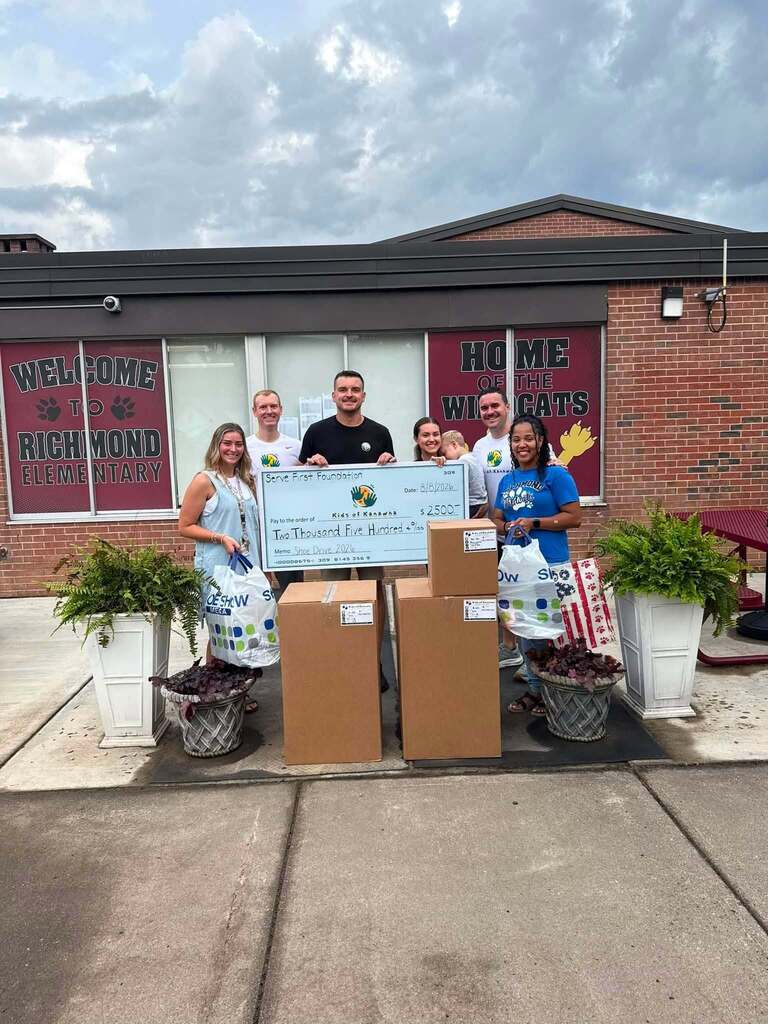
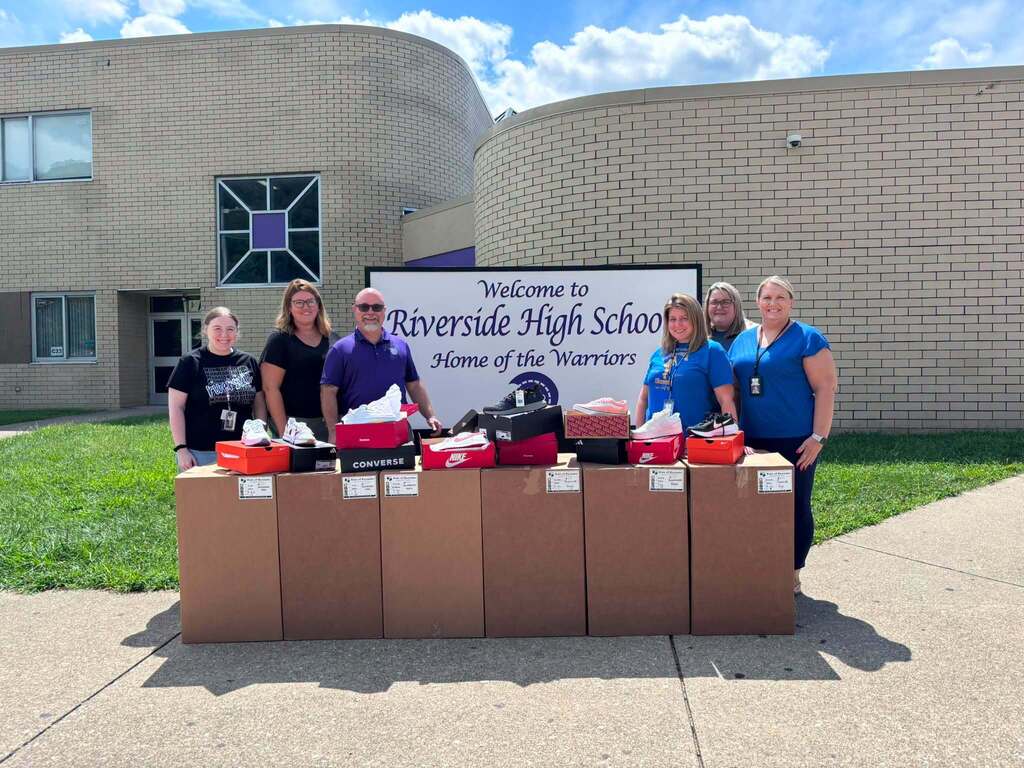
👟 4,300 pairs of shoes made their way to KCS schools this year thanks to Kids of Kanawha...that is double the number donated last year!
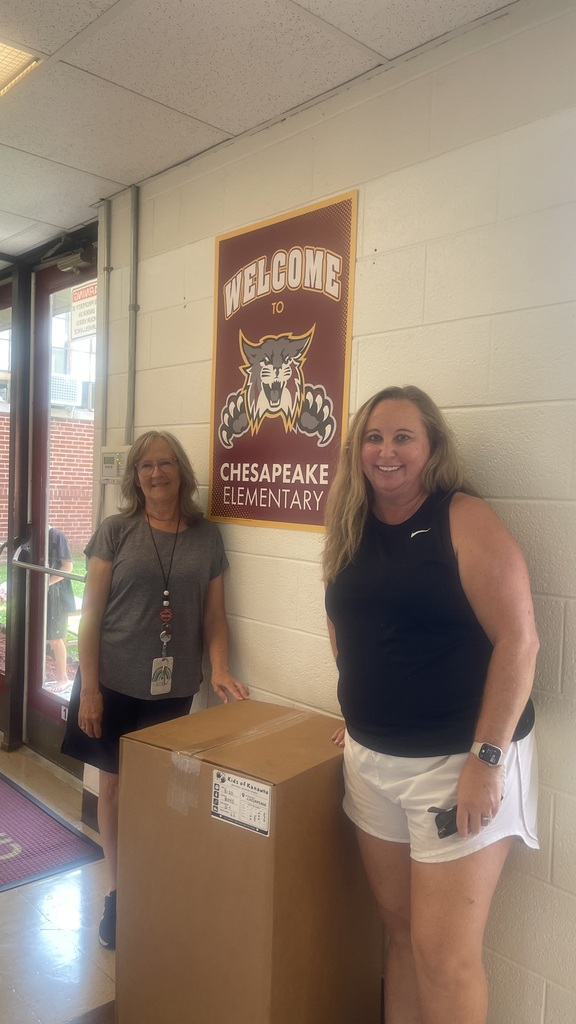
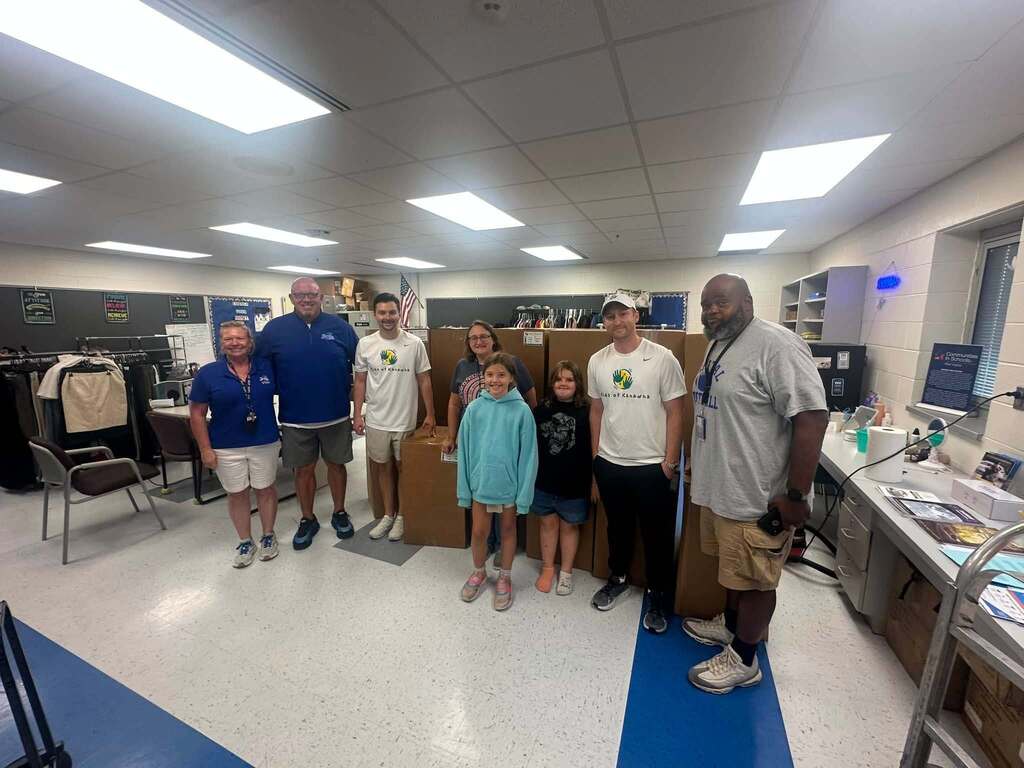
Kids of Kanawha raised the funds to provide shoes to every KCS middle and high school, along with 28 elementary schools. A huge thank-you goes to the local businesses, companies, and individuals who gave to this shoe drive to help make it happen.
Things like this matter. It’s a reminder to our students that people all across Kanawha County are in their corner. Rooting for them and supporting them. We’re so thankful for Kids of Kanawha and for a community that continues to show up for our schools.
Kids of Kanawha raised the funds to provide shoes to every KCS middle and high school, along with 28 elementary schools. A huge thank-you goes to the local businesses, companies, and individuals who gave to this shoe drive to help make it happen.
Things like this matter. It’s a reminder to our students that people all across Kanawha County are in their corner. Rooting for them and supporting them. We’re so thankful for Kids of Kanawha and for a community that continues to show up for our schools.
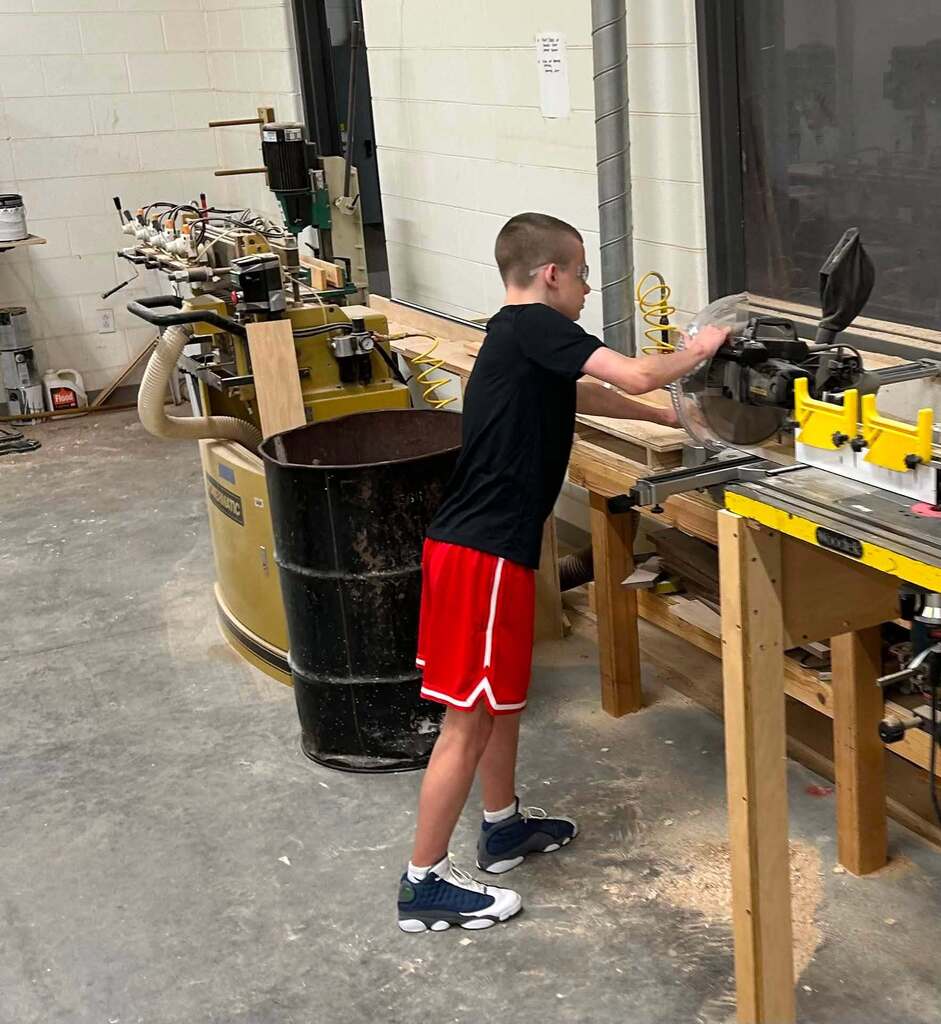
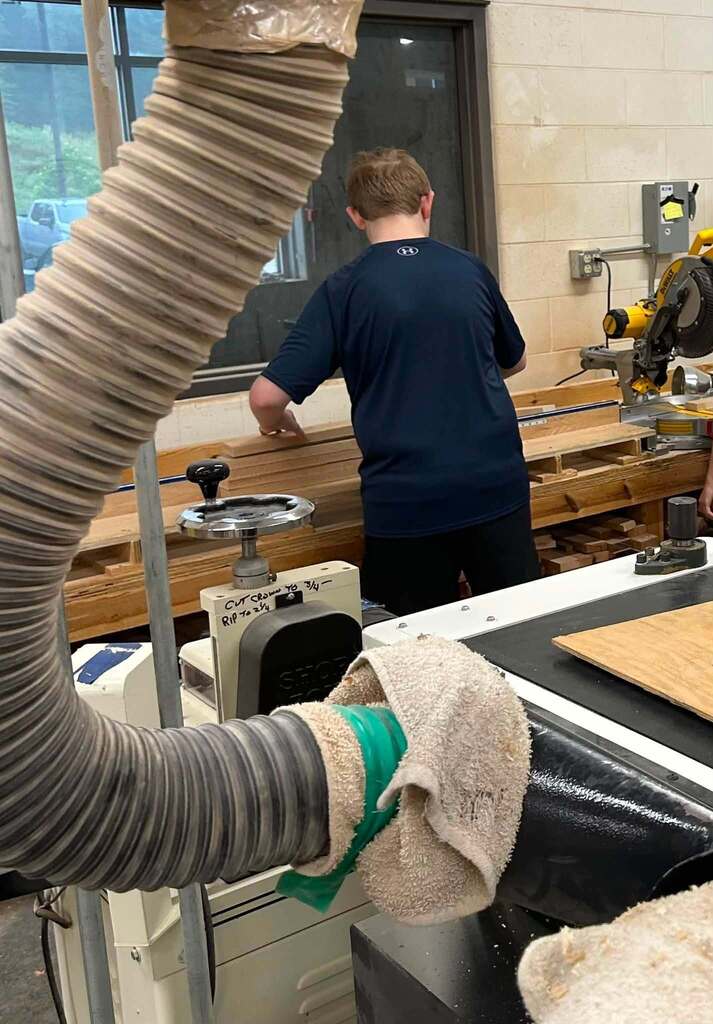
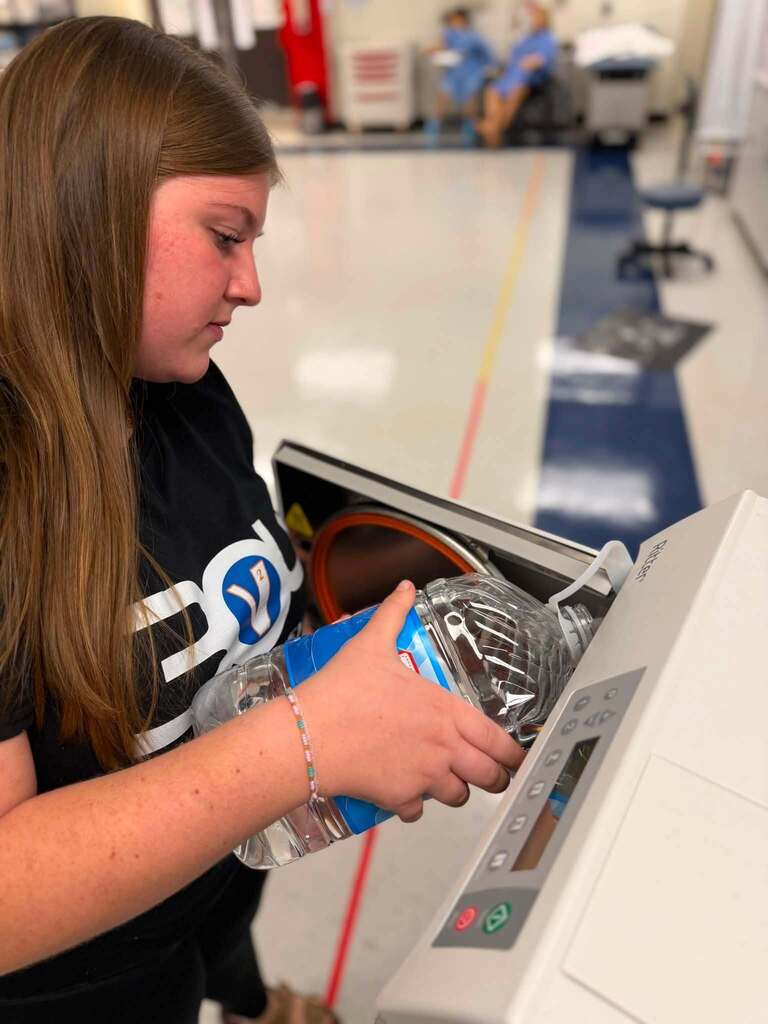
Six photos. Three schools. One thing is clear: KCS students are already in motion. 💙
🪵 Herbert Hoover High School Cabinetry I students are shaping cherry, walnut, maple, and red oak for their first major project.
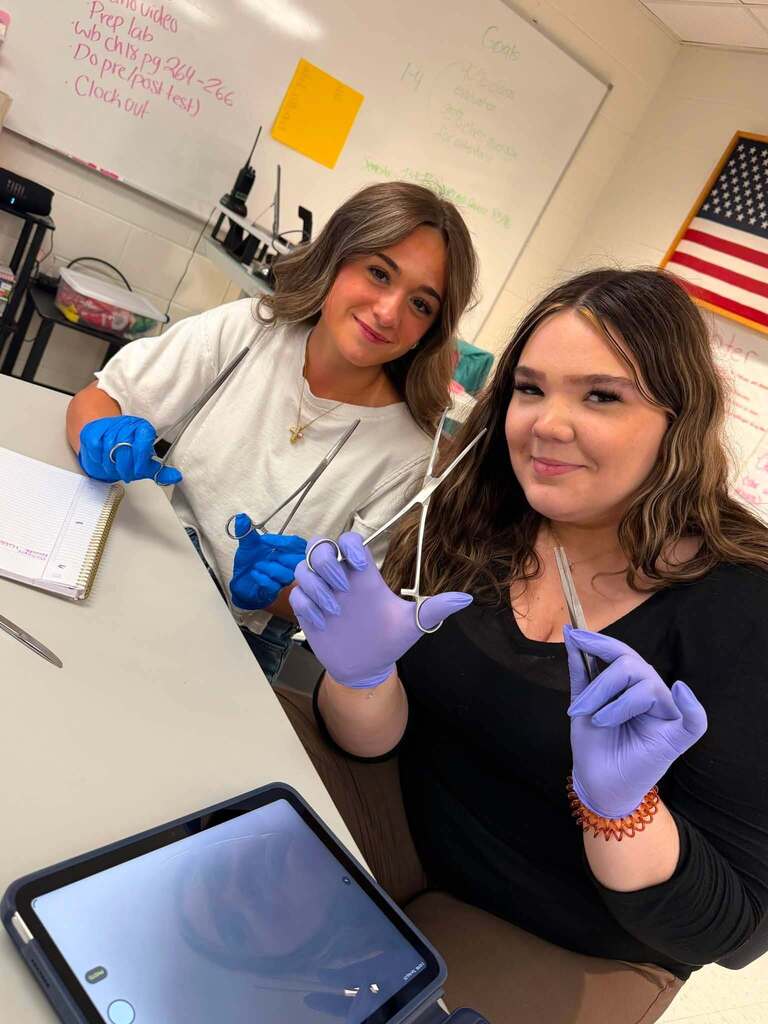
🩺 Ben Franklin Career Center’s Honors Medical Assisting seniors are practicing autoclaving, sterilization, and instrument processing.
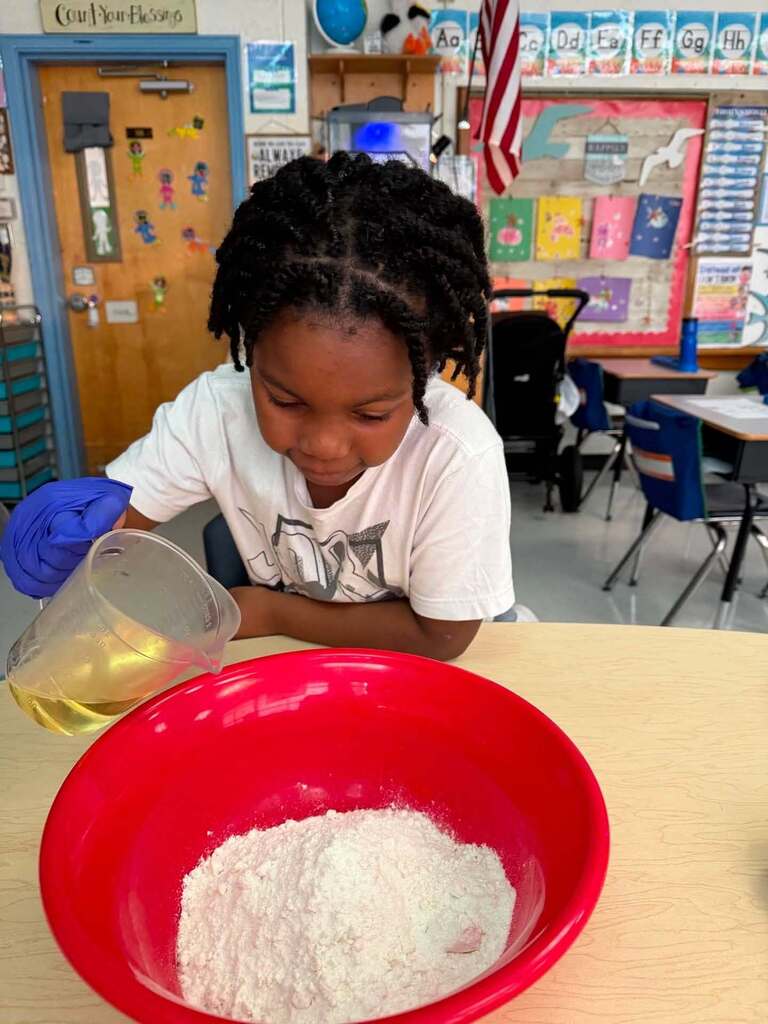
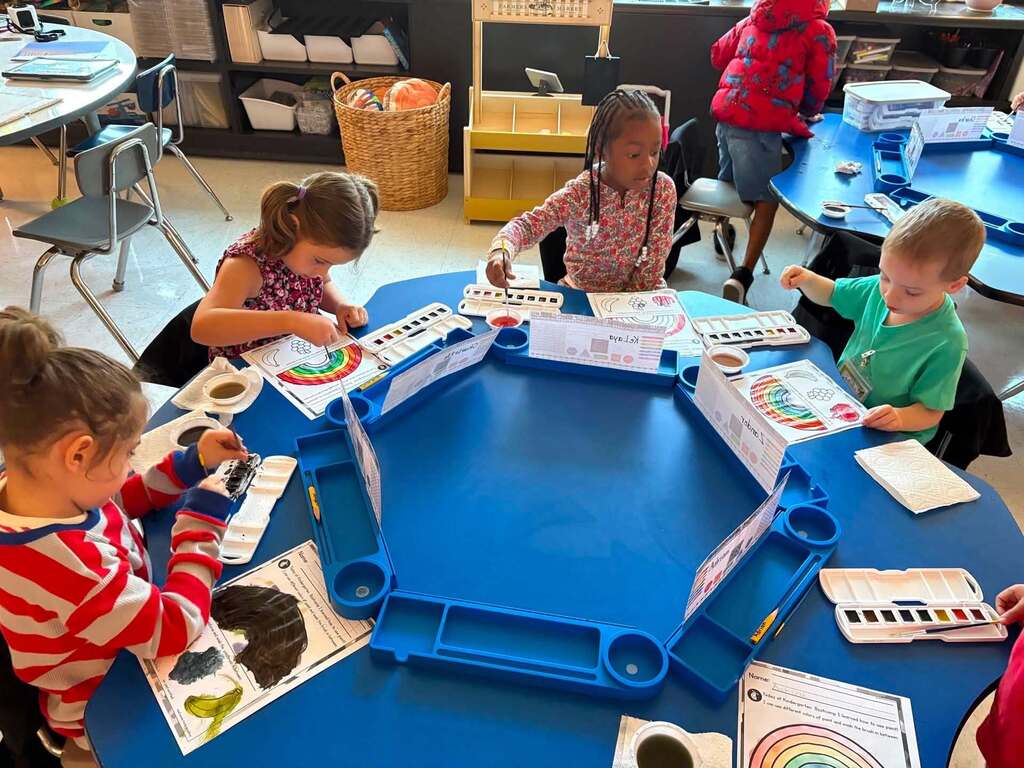
🐿️ At Kanawha City Elementary School, Chipmunks are already learning by doing...from carefully measuring and mixing ingredients to bringing color and creativity to the page with watercolors.
Different ages. Different skills. Opportunity in action across KCS.
🪵 Herbert Hoover High School Cabinetry I students are shaping cherry, walnut, maple, and red oak for their first major project.
🩺 Ben Franklin Career Center’s Honors Medical Assisting seniors are practicing autoclaving, sterilization, and instrument processing.
🐿️ At Kanawha City Elementary School, Chipmunks are already learning by doing...from carefully measuring and mixing ingredients to bringing color and creativity to the page with watercolors.
Different ages. Different skills. Opportunity in action across KCS.
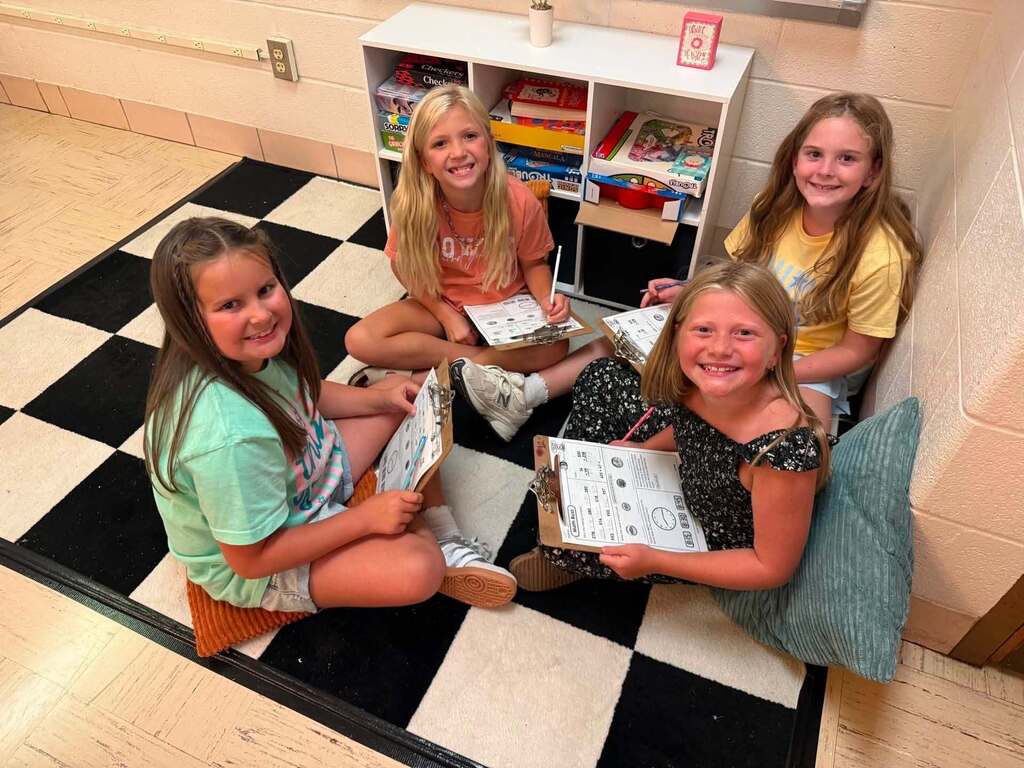
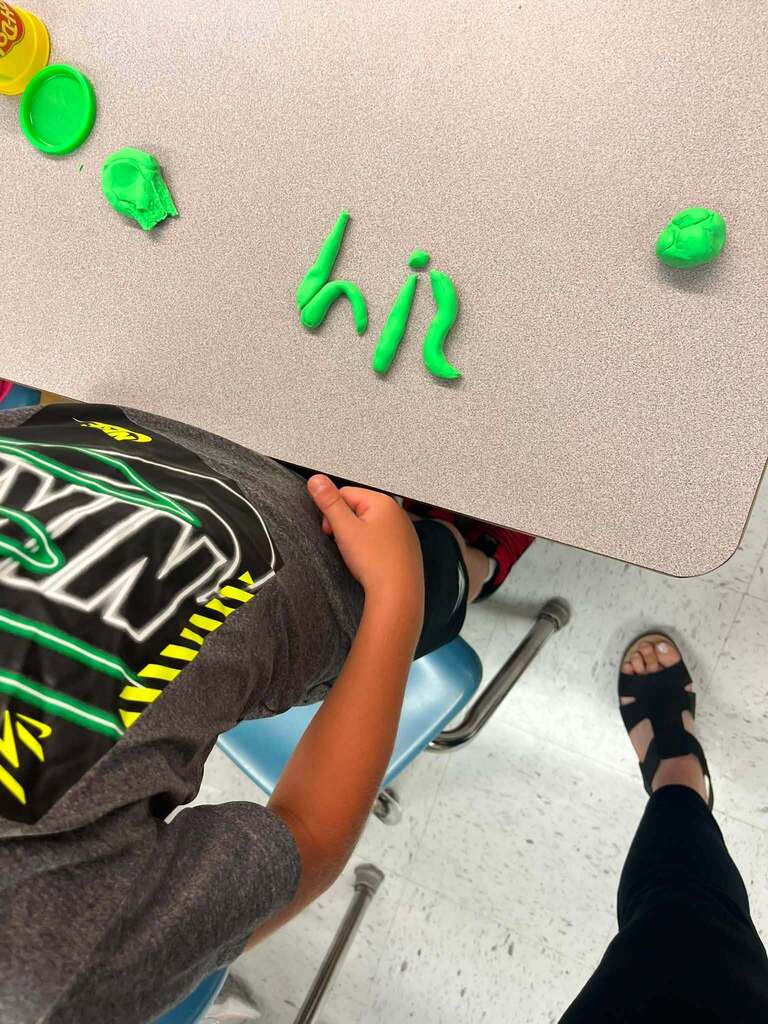
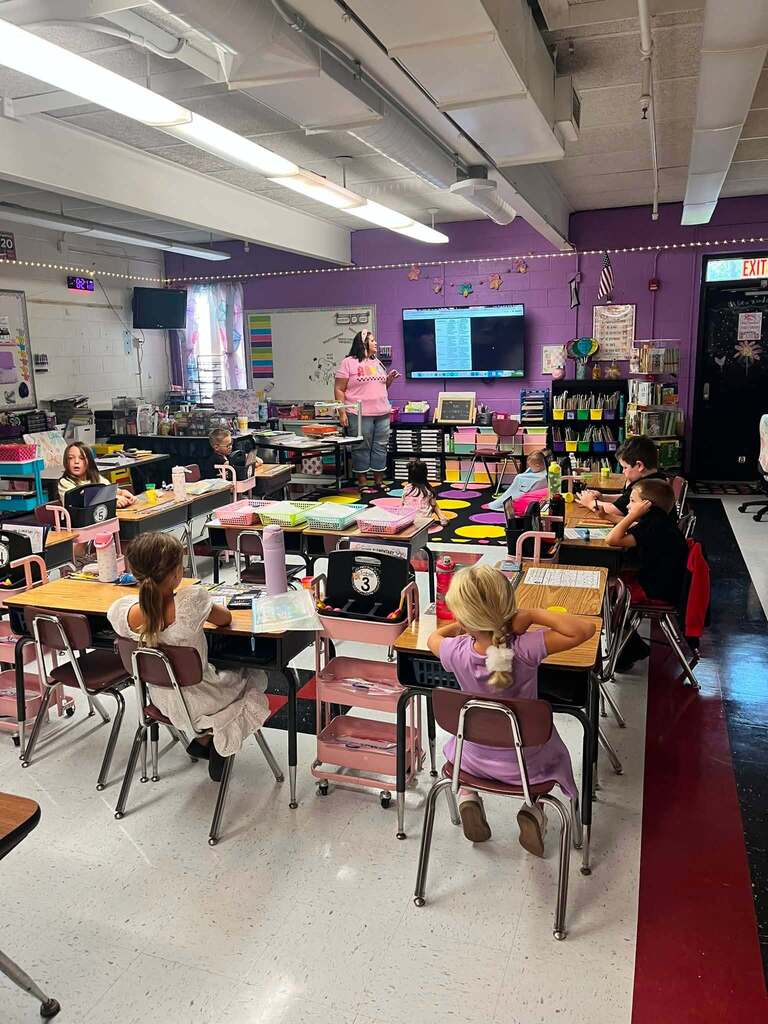
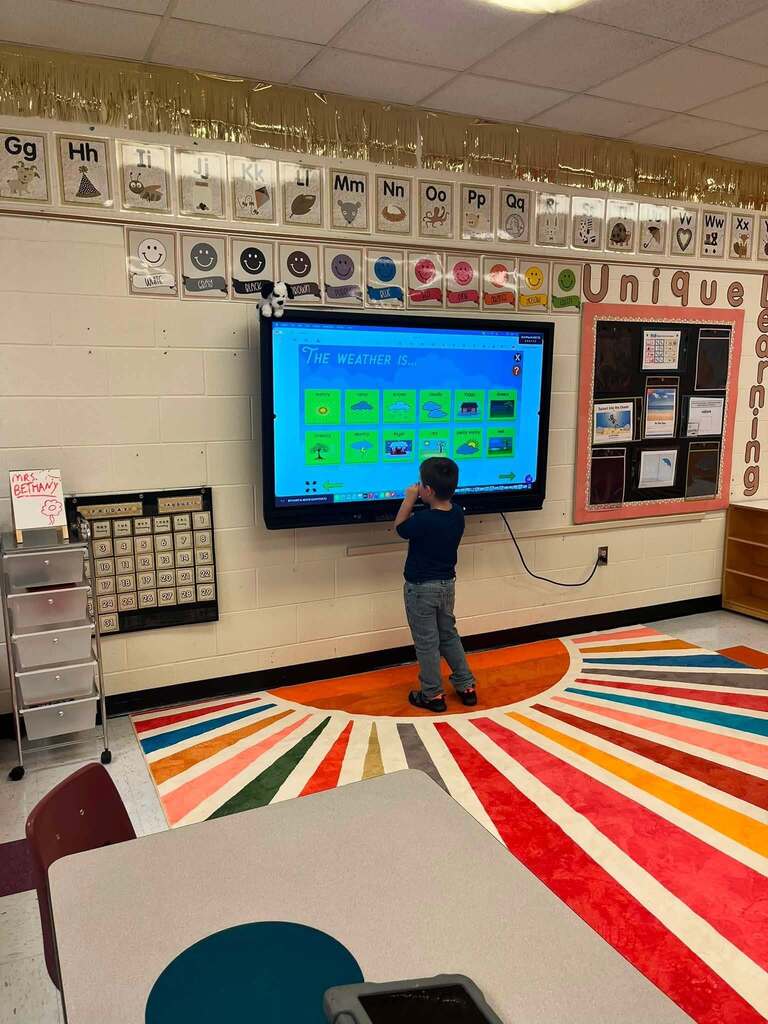
Flinn Elementary came back ready to learn...and ready to have a good time in the process. ✨
These first days have brought reading, learning games, new discoveries, a little review, and plenty of time to get to know one another. Classroom communities are coming together, and students are already finding their groove.
It’s a pretty great snapshot of the curiosity and connection filling classrooms across KCS right now. Flinn is off and running...and this year is only getting started! 💛📚✏️
These first days have brought reading, learning games, new discoveries, a little review, and plenty of time to get to know one another. Classroom communities are coming together, and students are already finding their groove.
It’s a pretty great snapshot of the curiosity and connection filling classrooms across KCS right now. Flinn is off and running...and this year is only getting started! 💛📚✏️